
Free AI Image Upscaler for Clearer, Larger Images
Upload a JPG, PNG, or WebP image and create a sharper, higher-resolution result in your browser. PicUpscaler works best for clear but small images, product photos, portraits, scans, and web graphics. Start free, then upgrade when you need 4x, 8x, or more regular processing.
Upload Your Pic for AI Upscaling
Drag and drop your image here, or click to browse.
JPG, PNG, and WebP images are supported. Best results come from clear images that are too small; severe blur, heavy damage, or missing detail may not fully recover.
Free input: up to 1400x1400 px and 5MB
Related Image Tools
Choose the next tool for your image goal: free 2x testing, 4K output, 8x upscaling, product photos, print files, or transparent backgrounds.
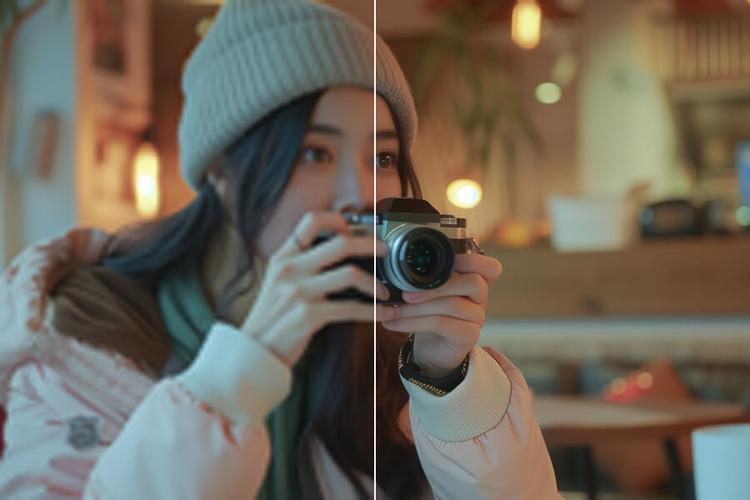
Free Image Upscaler
Use free 2x AI upscaling with no signup and no watermark.
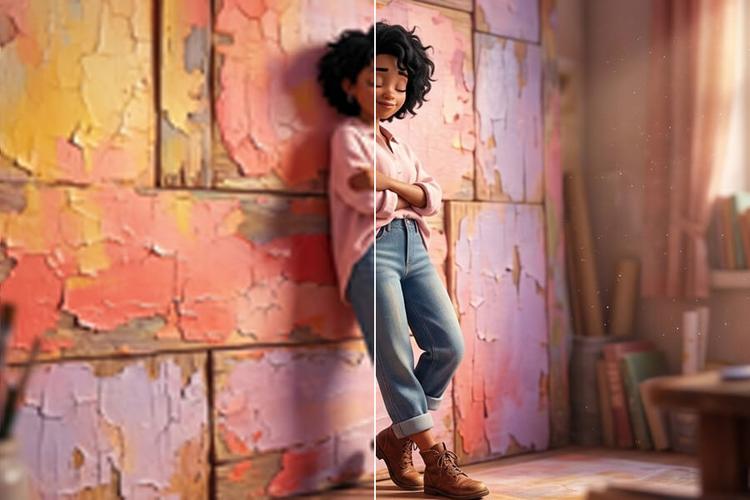
Upscale Image to 4K
Use the 4K image upscaler for screens, prints, and product photos.
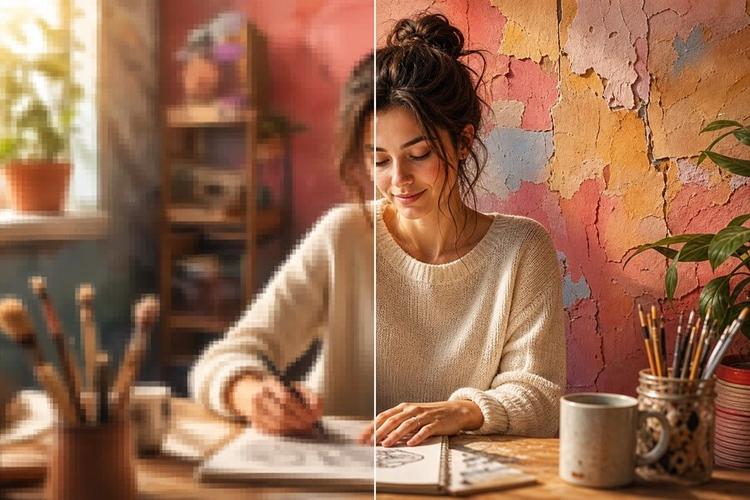
8x Image Upscaler
Upscale images 8x when small originals need maximum output.
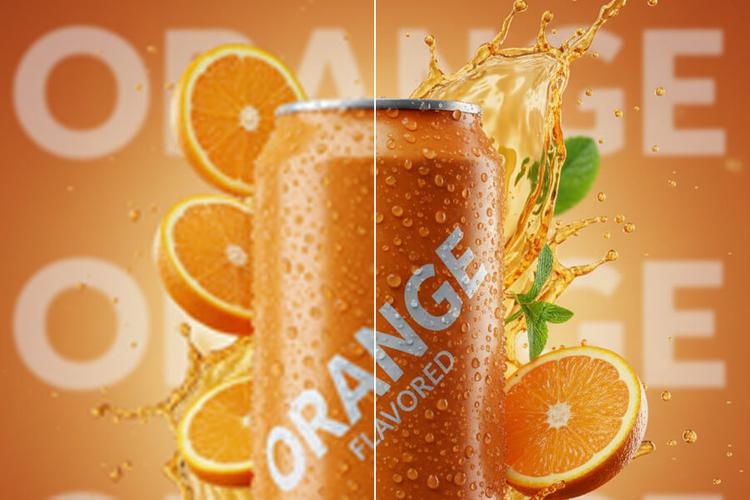
Upscale Product Photos
Upscale ecommerce product photos for listings, ads, and store pages.
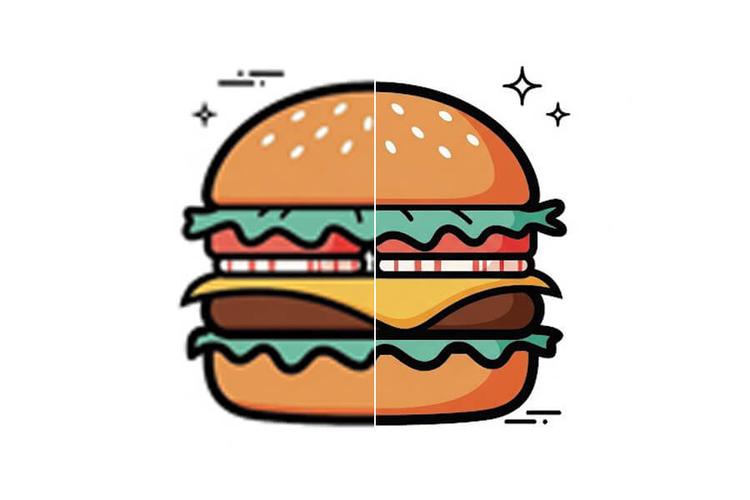
Upscale Image for Printing
Create larger images for photos, posters, flyers, and print layouts.
Why Use PicUpscaler as Your AI Image Upscaler?
AI-Powered Pic Enhancement Technology
PicUpscaler uses AI upscaling to create larger, clearer images at 2x, 4x, or 8x depending on your selected scale and plan. It is built for practical picture upscaling across portraits, product photos, scans, and web images, with result quality depending on the source file.
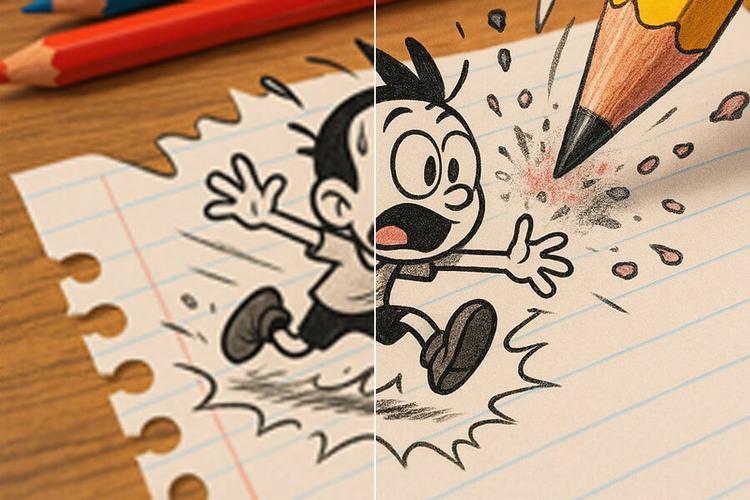
Free Tier PicUpscaler & Online Image Enlarger
Start with PicUpscaler's free tier to test your own image before choosing a paid plan for higher volume or larger scale options. Download eligible results without watermarks.
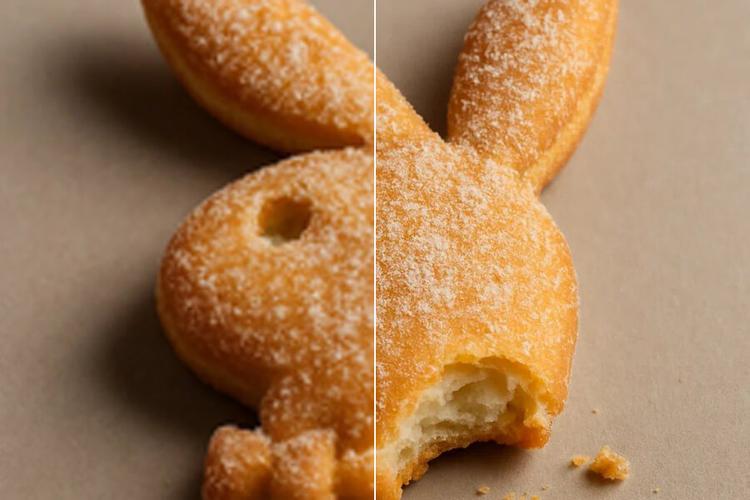
Fast Pic Resolution Enhancement
Most images finish quickly with our AI photo resolution enhancer. Processing time depends on file size, scale, and current system load, while PicUpscaler keeps the upload-to-download workflow simple.
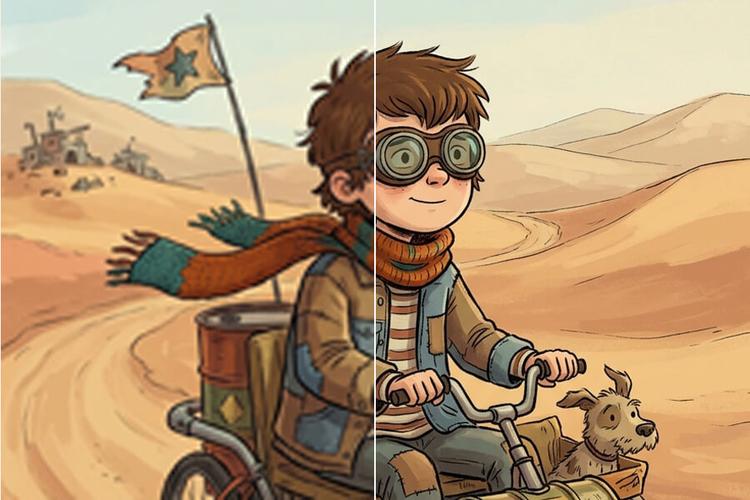
How Our Free PicUpscaler AI Works
Upload Your Pic
Select a photo from your device. Our AI PicUpscaler supports JPG, PNG, and WebP formats. Perfect for picture upscaling and photo enlargement with PicUpscaler.
AI Pic Enhancement Process
PicUpscaler analyzes your image and creates a larger result with cleaner edges and improved visible detail when the source file has enough information to work with.
Download Enhanced Pic
Compare before and after results, then download your upscaled pic after processing. Use the preview to confirm the result fits your image and output goal.
What Users Say About Our PicUpscaler AI Tool
"PicUpscaler made my old family photos look much clearer. The free tier was enough to test the AI upscaler before deciding whether I needed more volume."
Professional Photographer
"I use PicUpscaler when client images are clear but too small for a layout. The higher scale options give me more room to work before final design checks."
Graphic Designer
"Some supplier photos are usable but too small for product pages. PicUpscaler helps me create larger listing images without starting from scratch."
E-commerce Owner
Frequently Asked Questions
What is PicUpscaler and how does AI picture upscaling work?
PicUpscaler is an AI-powered tool that increases image resolution and can make small images look clearer. It works best when the source image is already recognizable and contains usable detail. Very blurry, heavily damaged, or tiny images may improve, but no upscaler can guarantee recovery of detail that is not visible in the original.
Is PicUpscaler really free to use as an image upscaler and photo enlarger?
You can start with the free tier without signup or payment. Paid plans are available when you need higher scale options or a more regular workflow.
How much can PicUpscaler enhance image resolution with picture upscaling?
PicUpscaler supports 2x, 4x, and 8x upscaling. Free users can start with daily 2x processing, while paid plans unlock higher scale options and larger monthly allowances. If your target is a 4K display or layout, use the 4K image upscaler. If the original is very small and you need maximum scale, use the 8x image upscaler. Result quality still depends on the source image: a clear original will upscale better than a heavily compressed or blurry one.
What image formats does PicUpscaler support as a free image upscaler?
Our PicUpscaler and online photo enlarger supports JPG, PNG, and WebP. The enhanced image is delivered in a supported output format, and PNG transparency is preserved where applicable. If your main intent is a no-signup test, start from the free image upscaler page.
How long does picture upscaling and photo enlargement take with PicUpscaler?
Most images finish quickly, but processing time depends on file size, selected scale, image complexity, and current system load. Larger files and higher scale settings can take longer.
Is my data secure when using PicUpscaler as my image upscaler?
Absolutely. Your photos are processed securely and automatically deleted from our servers within 72 hours when using PicUpscaler. We never share or use your images for any purpose other than providing the picture upscaling and photo enlargement service.
Can I use PicUpscaler for commercial purposes as an image enhancer?
Yes. You can use upscaled results for business, website, social media, client, and ecommerce work when you have the rights to the original image. If your main goal is to upscale product photos for listings, ads, or store pages, use the dedicated Product Image Upscaler page.
What makes PicUpscaler the best free PicUpscaler and photo enlarger available?
PicUpscaler combines a simple upload workflow with AI upscaling, a free tier, common web format support, and paid 4x or 8x options for larger outputs. It is designed for practical online image upscaling rather than guaranteed professional restoration.
Can I use PicUpscaler as an AI image quality improver to restore old family photos?
PicUpscaler can improve many old, blurry, or low-resolution family photos by increasing resolution and enhancing visible detail within the limits of the source image. Severe damage, missing areas, or unrecognizable faces may not fully recover. For old-photo guidance, see the dedicated photo restoration page. Learn more about photo restoration →