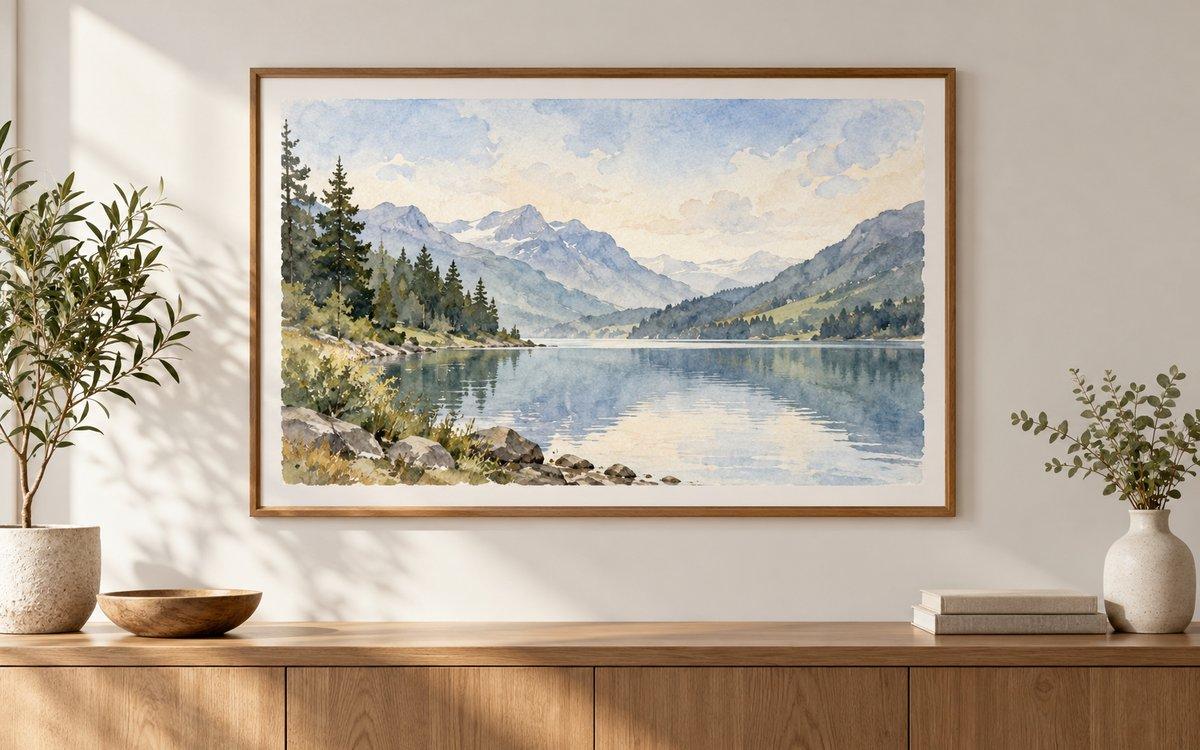
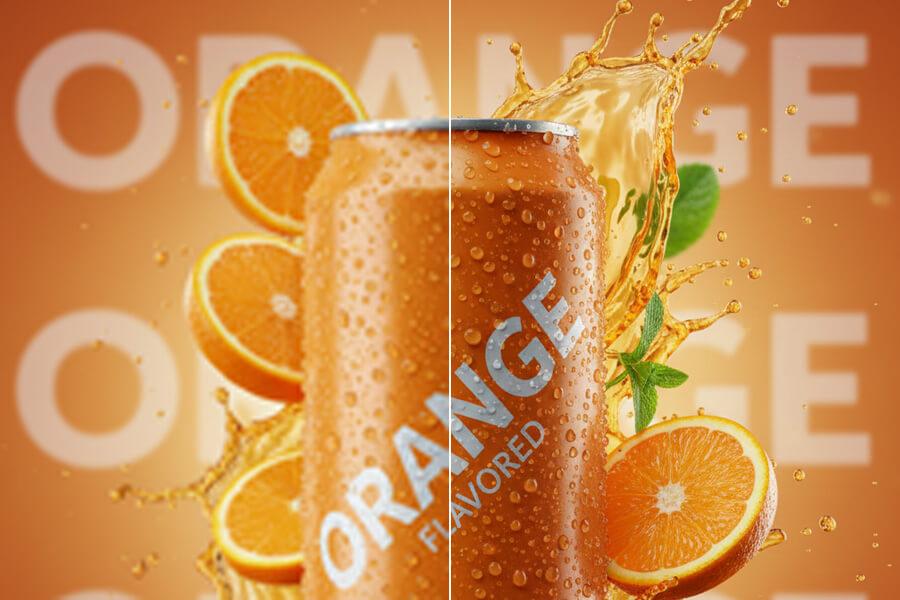
Before you print, you need enough pixels. At 300 DPI, an A4 print needs 2480x3508 px — an A3 needs 3508x4961 px. If your image is too small, AI upscaling can help create a larger working file with clearer detail. Upload your photo, artwork, or product image, test the free 2x preview, then upgrade to 4x or 8x when your print size needs more pixels.
See sample results
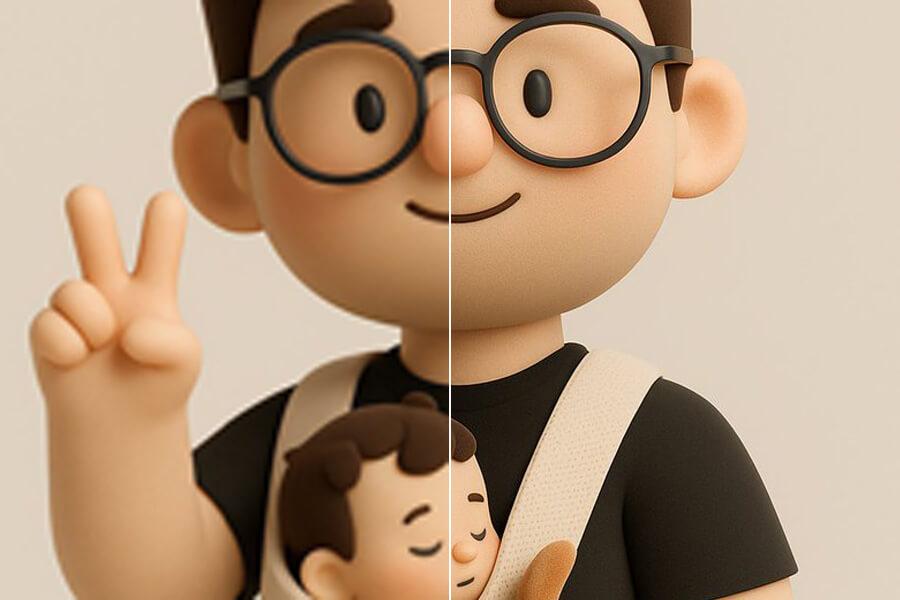
BeforeAfter
Upload Your ImageDrag and drop or click to browse. JPG, PNG, and WebP supported.
Print Size Calculator
Pick a print size and DPI to see how many pixels you need and which upscale scale gets you there. Upload an image above to fill in its size, or type it in.
Pixels needed: 2480×3508 px at 300 DPI
Pixels needed for common print sizes
Print size
300 DPI
150 DPI
A4 (210 × 297 mm)
2480×3508 px
1240×1754 px
A3 (297 × 420 mm)
3508×4961 px
1754×2480 px
US Letter (8.5 × 11 in)
2550×3300 px
1275×1650 px
4 × 6 in photo
1200×1800 px
600×900 px
8 × 10 in photo
2400×3000 px
1200×1500 px
Multiple Format Support
We support JPG/JPEG, PNG, and WebP files. The maximum file size for individual upscaler uploads is 5MB.
Privacy & Security
Uploaded images and results are automatically deleted from our servers after 72 hours. We never share your photos or use them to train AI models.
Commercial Use
You can use results for business, ecommerce, client, and social media work as long as you hold the rights to the original image.
Why Upscale Images for Printing?
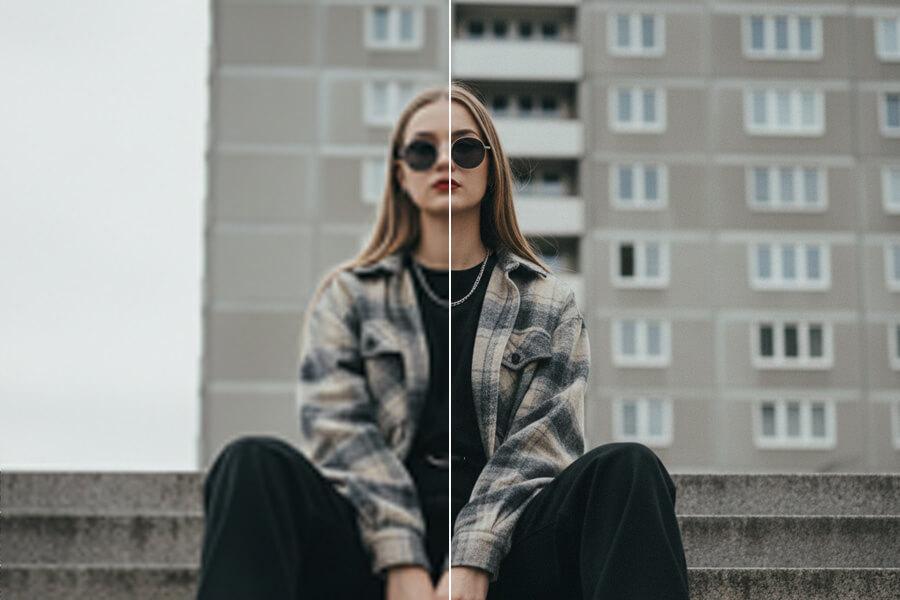
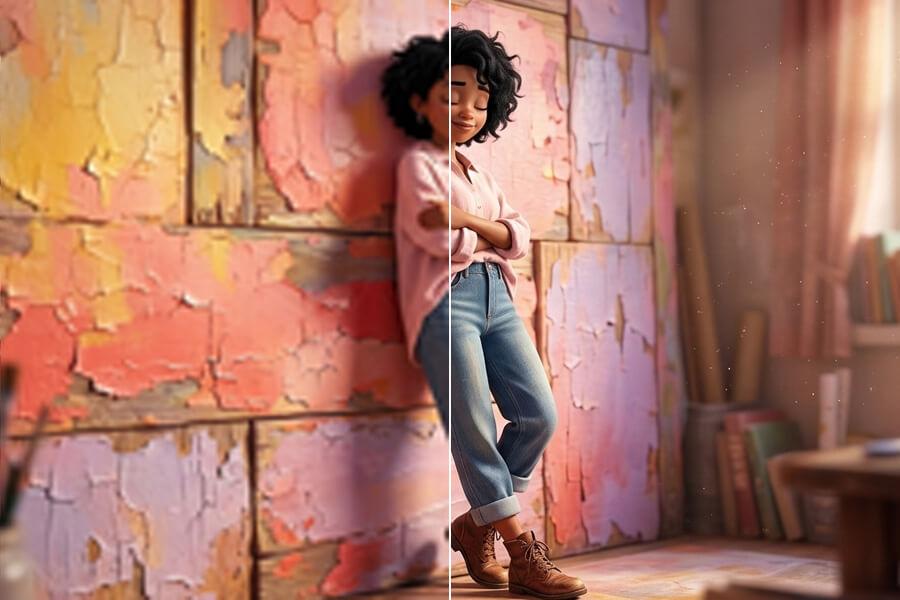
BeforeAfter
Know How Many Pixels Your Print Size Needs
Print quality depends on pixels per inch. At 300 DPI — the standard for sharp close-view prints — an A4 sheet needs 2480x3508 px, an A3 needs 3508x4961 px, and a 12x16 inch print needs 3600x4800 px. At 150 DPI for posters viewed from a distance, those numbers halve. If your image does not have enough pixels for the target size, AI upscaling can help close the gap before you send the file to a printer or design layout.
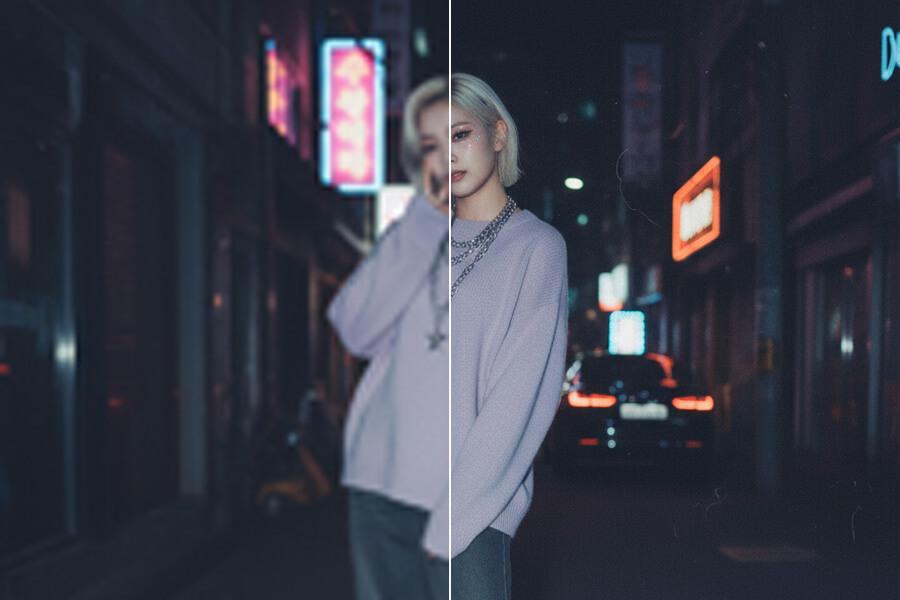
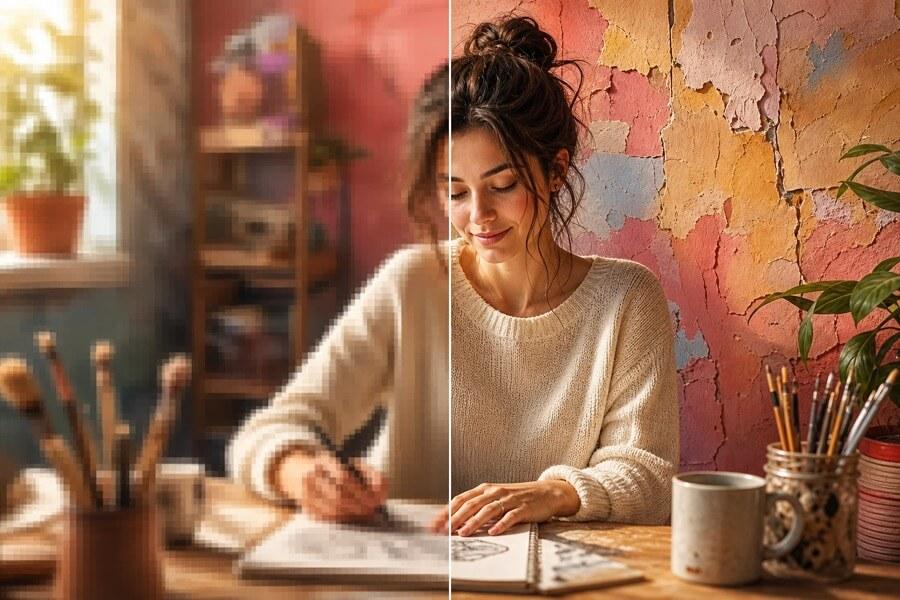
BeforeAfter
Prepare Photos, Posters, and Layout Assets
Use AI upscaling when a photo or design asset needs more pixels before it is placed in a print layout. It can help with family photos, product images, artwork, event posters, flyers, menus, and scanned pictures. For best results, start with the sharpest original image you have and review the upscaled result carefully — especially faces, text, product edges, and fine lines — before sending to print.
BeforeAfter
Match Your Scale to Your Print Size
A 1000px image becomes 2000px at 2x, 4000px at 4x, and 8000px at 8x. If you need an A4 print at 300 DPI, 2x may be enough from a 1240px original. If you need an A3 poster and your source is 800px wide, 4x or 8x gets you closer to the pixel count you need. Free 2x is the right starting point to test quality — upgrade to Pro 4x or Premium 8x when your print dimensions demand more pixels.
How to Upscale an Image for Printing
Step 1
Upload the Highest-Quality Original
Upload a JPG, JPEG, PNG, or WebP image up to 5MB. Clear originals with real detail, good focus, and limited compression usually produce more useful print preparation results than blurry screenshots or heavily compressed files.
Step 2
Preview the Upscaled Image
Start with free 2x upscaling and inspect important areas such as faces, text, product edges, fine lines, and texture. If the preview looks natural, choose a larger scale when your intended print size needs more pixels.
Step 3
Download and Check Print Size
Download the upscaled image without a watermark. Before printing, check the final pixel dimensions against your DPI target and print size: pixels ÷ DPI = print inches. A 3000px wide image at 300 DPI prints at 10 inches wide. Confirm crop area and color requirements with your printer or print shop.
Start free to try PicUpscaler on your own images. Upgrade to Pro when you need 4x upscaling and no daily limit, or choose Premium for 8x output and higher monthly volume.
Free plan
$0/month
3 free 2x upscales/day
For occasional 2x upscaling and trying PicUpscaler.
At 300 DPI, an A4 print needs 2480x3508 px, an A3 needs 3508x4961 px, and a standard 8x10 inch print needs 2400x3000 px. At 150 DPI for posters viewed from a distance, those numbers roughly halve. To calculate: DPI × print inches = pixels needed. If your image falls short, AI upscaling can help close the gap.
Can I upscale an image so a print shop will accept it?
Often, yes. Print shops usually check whether the file has enough pixels for the print size — for example 2480x3508 px for A4 at 300 DPI. Enter your image and print size in the calculator above to see if 2x, 4x, or 8x gets you there, then upscale and send the larger file. If the original is very blurry or tiny, the shop may still flag it, so check the result before ordering.
What does it mean to upscale an image for printing?
Upscaling an image for printing means creating a larger pixel version of the image before it is used in a physical print layout. AI upscaling rebuilds detail as the image gets larger, producing a cleaner result than basic resizing. You should still check the final file size, print dimensions, DPI target, and output quality before printing.
Can AI make any small image print-ready?
No. AI upscaling works best when the original image already contains useful detail. If the source is extremely blurry, tiny, over-compressed, or missing important information, the result may still be unsuitable for high-quality printing. Use the free 2x preview to judge quality before upgrading.
Is 2x, 4x, or 8x better for printing?
It depends on your source size and target print size. Use 2x when you need a modest size increase or want to test quality first. Use 4x when the image is clearly too small for the intended print size. Use 8x when you need a much larger working file and the source image is clean enough to support heavy enlargement. A practical check: current pixels × scale ÷ DPI = print inches.
Does PicUpscaler set DPI automatically?
No. PicUpscaler creates a larger AI-upscaled file with more pixels but does not write a DPI value into the download. Set the DPI when you place or export the image in your design or print workflow. To see how many pixels a given DPI needs, calculate the pixels you need by DPI.
Can I use this for posters, flyers, and photo prints?
Yes. You can use the tool to prepare larger image files for posters, flyers, photo prints, catalogs, product sheets, cards, and other print layouts. Review the result carefully, especially faces, text, product labels, and fine details.
Is image upscaling for printing free?
You can start free with 2x upscaling and download eligible results without a watermark. Pro unlocks 4x upscaling, while Premium unlocks 8x, higher monthly limits, and an ad-free workflow for repeated print preparation.
Which related page should I use for 4K, 8x, or product images?
PicUpscaler upscales one image at a time. Upload each image, check the suggested scale for its print size, and download the result. Using the same scale for images of the same size keeps a set of prints consistent.