Upload an image, get a sharper 2x result, download it — no account, no watermark, no payment. Supports JPG, PNG, and WebP files up to 5MB. Upgrade only if you need 4x, 8x, or higher monthly volume.
No Sign Up
No Watermark
No Credit Card
Free 2x Every Day
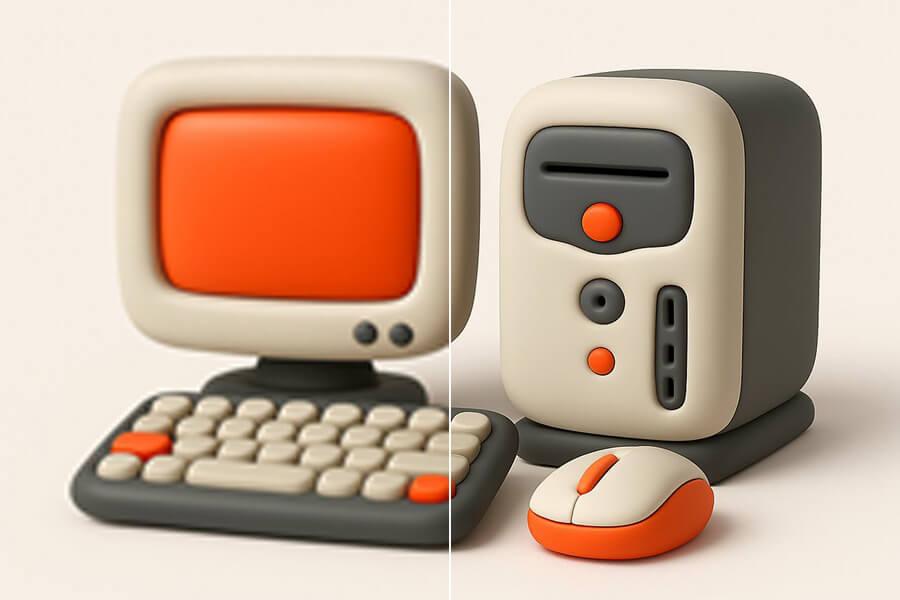
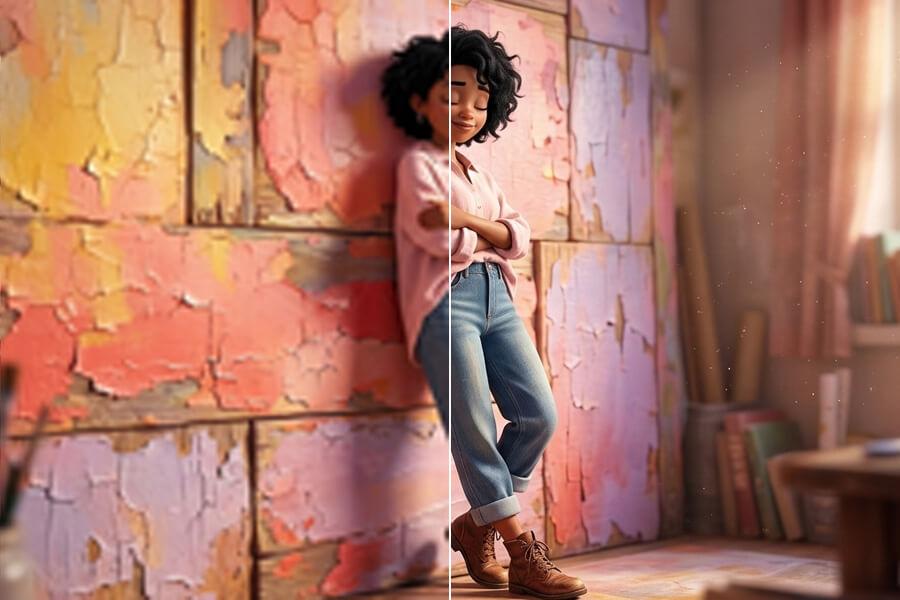
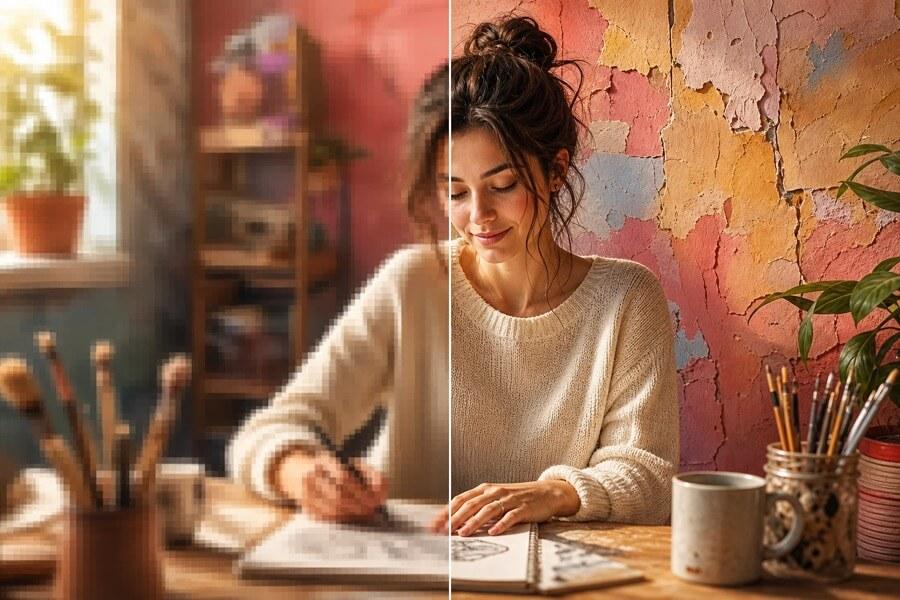
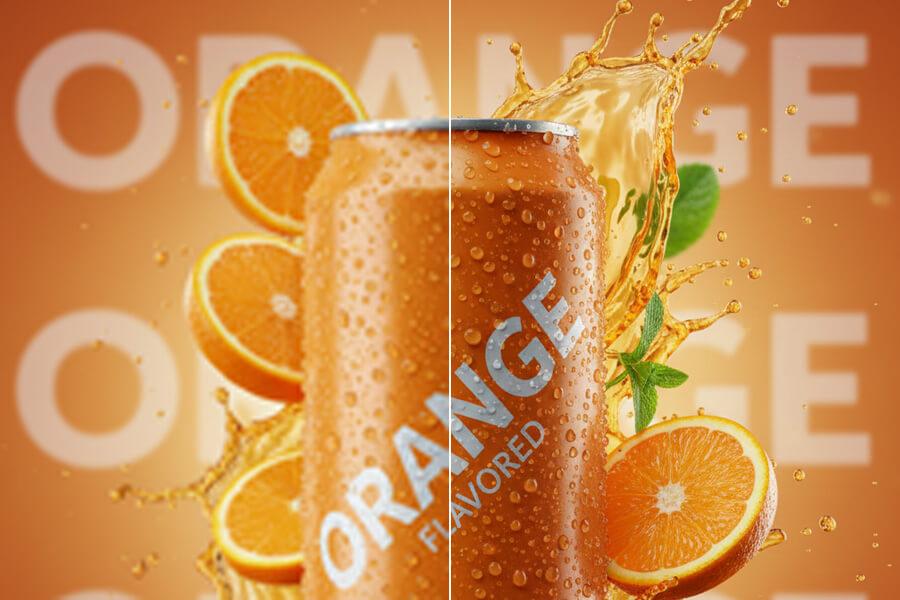
See sample results
BeforeAfter
Upload Your ImageDrag and drop or click to browse. JPG, PNG, and WebP supported.
Multiple Format Support
We support JPG/JPEG, PNG, and WebP files. The maximum file size for individual upscaler uploads is 5MB.
Privacy & Security
Uploaded images and results are automatically deleted from our servers after 72 hours. We never share your photos or use them to train AI models.
Commercial Use
You can use results for business, ecommerce, client, and social media work as long as you hold the rights to the original image.
What You Get with the Free Image Upscaler
BeforeAfter
Test on Your Own Image — No Sample Gallery
You shouldn't have to judge an upscaler from someone else's demo photos. Upload your own JPG, PNG, or WebP and see whether the result works for your actual use case — before creating an account or choosing a plan.
BeforeAfter
Free 2x — No Watermark on Results
Free 2x doubles your image's width and height. A 1000×1000 photo becomes 2000×2000 — often enough for websites, social posts, listings, and small prints. Download your result immediately, no watermark added.
BeforeAfter
No Commitment — Upgrade Only If You Need More
If 2x isn't enough — small source image, print layout, high-resolution screen, or regular client work — Pro 4x and Premium 8x give you more pixels and higher monthly capacity. Pay only when the free result proves the tool is worth it.
How to Upscale an Image for Free
Step 1
Upload Your Image
Choose a JPG, PNG, or WebP up to 5MB. No account required. Transparent PNGs keep their background after upscaling.
Step 2
Run Free 2x Upscaling
Start with free 2x — works for product photos, portraits, scans, logos, and web graphics. If 2x gives you enough resolution, download and you're done.
Step 3
Download or Upgrade
Compare before and after, then download without a watermark. Need more? Pro for recurring 4x work, Premium for 8x output.
Start free to try PicUpscaler on your own images. Upgrade to Pro when you need 4x upscaling and no daily limit, or choose Premium for 8x output and higher monthly volume.
Free plan
$0/month
3 free 2x upscales/day
For occasional 2x upscaling and trying PicUpscaler.
Yes. Free 2x upscaling with no watermark on results — no account, no payment required. Paid plans are available when you need recurring 2x/4x work, Premium 8x output, or higher monthly volume.
Do I need to sign up?
No. Upload your image and run free 2x upscaling directly in your browser. No account needed for the free tier. Sign up only if you want to manage usage or upgrade to a paid plan.
How many images can I upscale for free each day?
You get a set number of free 2x upscales per day — no account needed, limit resets daily. Need more capacity, 4x, or 8x? Upgrade to Pro or Premium anytime.
Is free quality the same as paid?
Yes. The free plan uses the same AI upscaling as paid plans. The difference is volume and scale: paid plans give you monthly 2x/4x capacity, Premium 8x output, and no daily limit.
What is 2x upscaling best for?
2x works best when your image is already usable but too small — website images, social media posts, marketplace photos, presentations, small prints, and downloaded images that look soft at their current size.
When should I upgrade?
Upgrade when you need more than the free daily limit, larger scale output, or recurring processing. Pro for 2x/4x monthly work, Premium for 8x and heavier use.
What formats and limits apply?
JPG, JPEG, PNG, and WebP. Uploads can be up to 5MB.
Will transparent PNGs stay transparent?
Yes. PicUpscaler preserves the alpha channel during upscaling — useful for logos, stickers, product cutouts, and graphics that need to sit on different backgrounds.
Can I use free results commercially?
Yes, as long as you hold the rights to the original image. Covers product listings, websites, marketing materials, client work, and print projects. For ecommerce product photo workflows, see the product image upscaler.
What images work best?
Clear but low-resolution images work best — product photos, portraits, scans, artwork, screenshots, and logos. Very blurry or heavily compressed images may still improve, but final quality depends on the detail in the original.
Can I upscale an image online for free without installing anything?
Yes. PicUpscaler runs entirely in your browser — no app, no plugin, no installation. Upload, upscale, download. Works on desktop and mobile.