
Image Upscaler Online
Upload a JPG, PNG, or WebP and get a sharper, higher-resolution result in seconds. Better than basic resizing — AI rebuilds edges and detail as your image gets larger. Free to start, no account needed.
Upload Your Image
Drag and drop or click to browse. JPG, PNG, and WebP supported.
More AI Image Tools
Choose the next tool for your image goal: free 2x testing, 4K output, 8x upscaling, product photos, or print-ready 300 DPI.
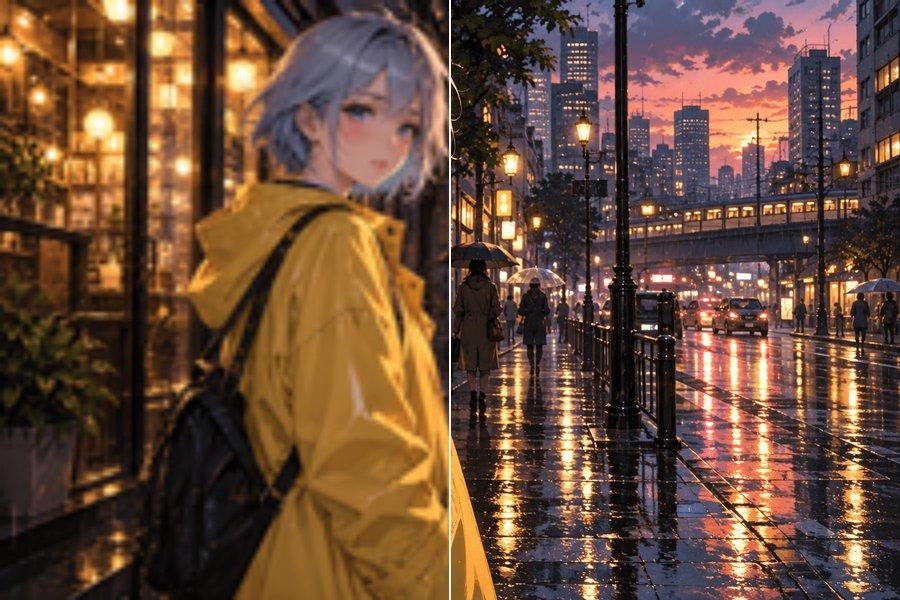
Anime Image Upscaler
Upscale anime and illustration images with the standard image-upscaling workflow.
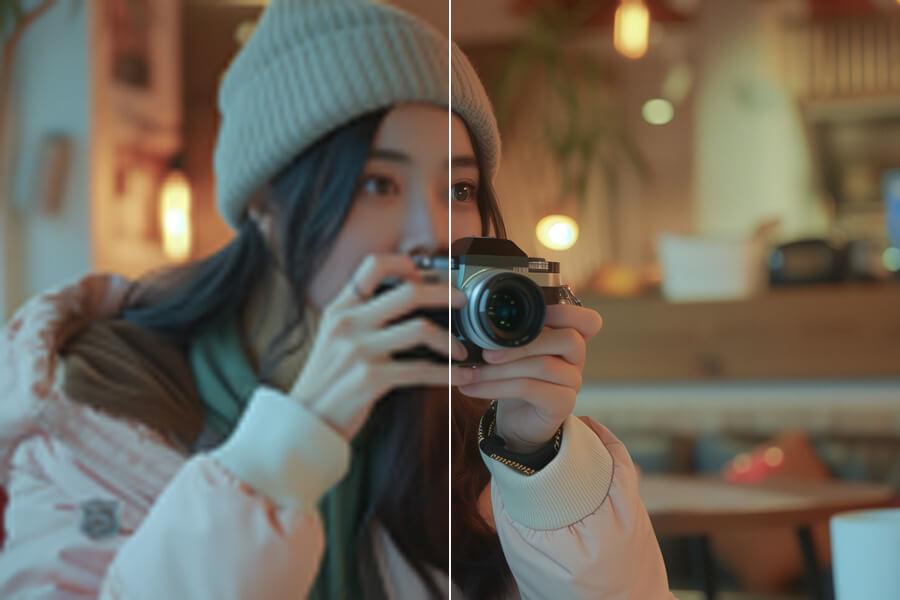
Free Image Upscaler
Use free 2x AI upscaling with no signup and no watermark.
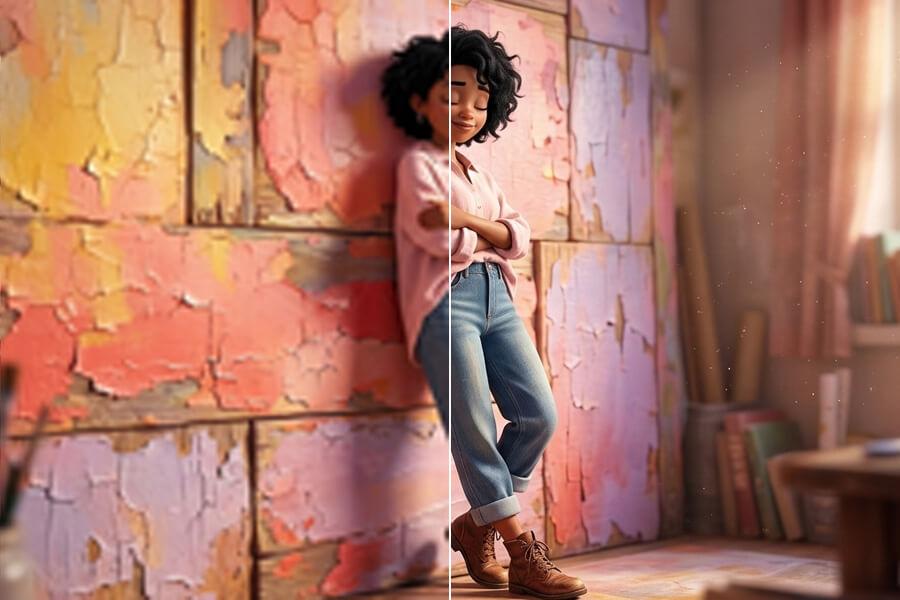
Upscale Image to 4K
Use the 4K image upscaler for screens, prints, and product photos.
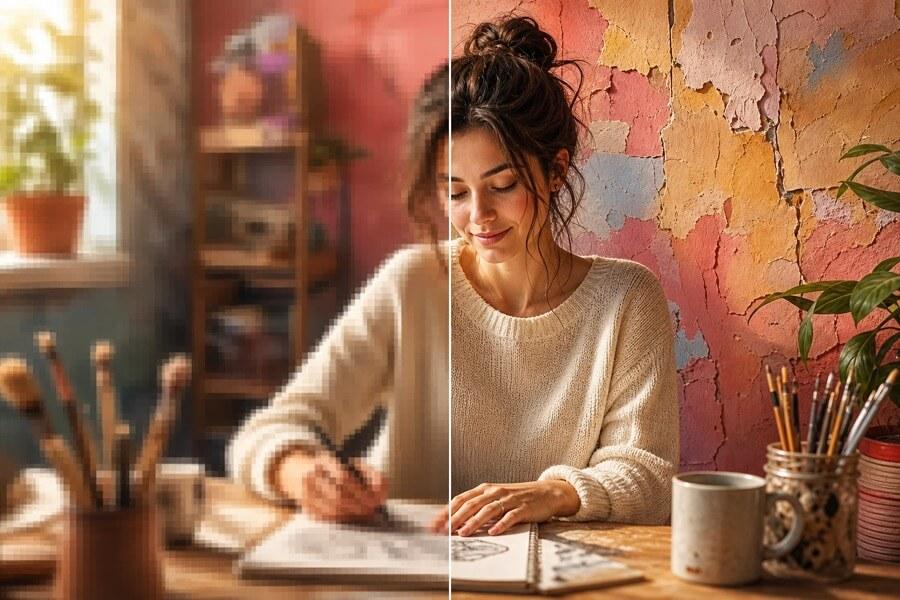
8x Image Upscaler
Upscale images 8x when small originals need maximum output.
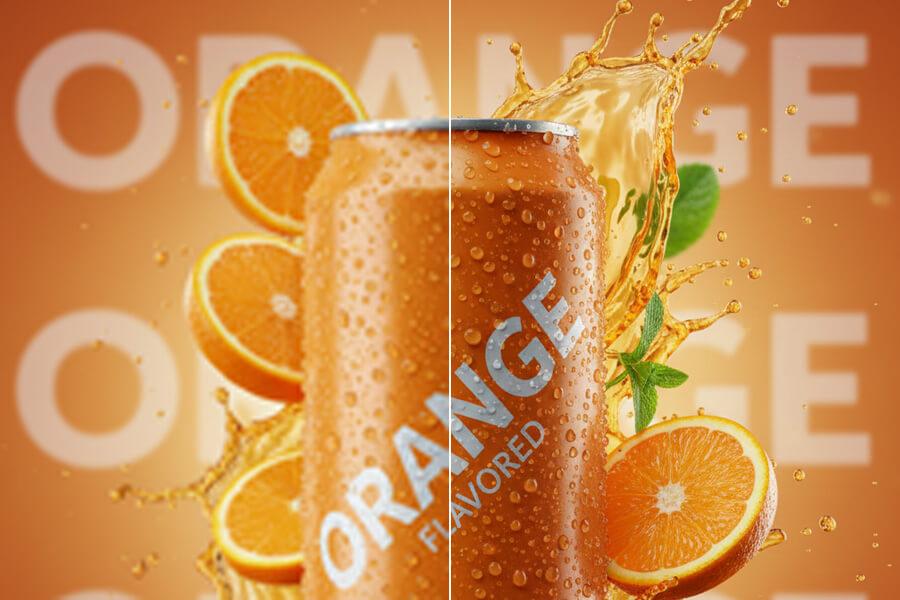
Upscale Product Photos
Upscale ecommerce product photos for listings, ads, and store pages.
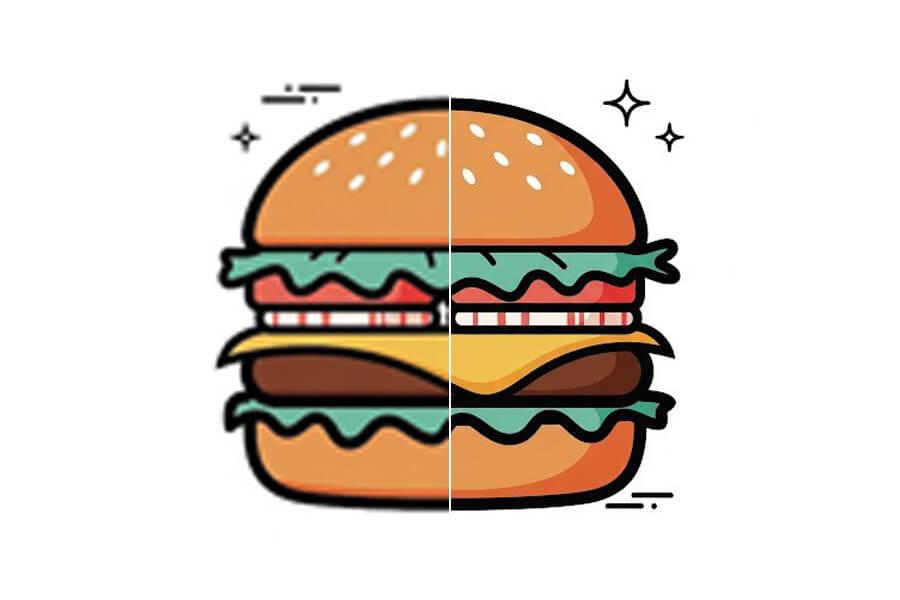
Upscale Image for Printing
Create larger images for photos, posters, flyers, and print layouts.
Why Use This AI Image Upscaler?
AI Rebuilds Detail — Not Just Pixels
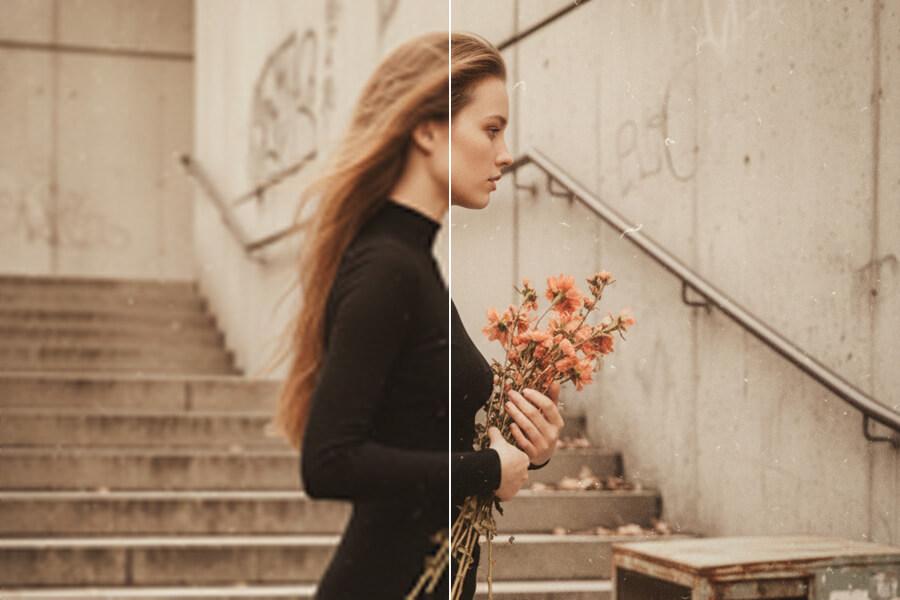
Basic resize tools stretch existing pixels, leaving results soft or blocky. PicUpscaler's AI reconstructs edges, textures, and fine detail as your image scales up — so portraits, product photos, scans, and artwork look genuinely sharper at a larger size.
Free to Try, No Account Needed
Upload your image and download the result without signing up. Test the output on your own file first — upgrade to Pro for recurring 2x/4x work or Premium for 8x output only when the result proves useful.
Works for Photos, Graphics, and Transparent PNGs
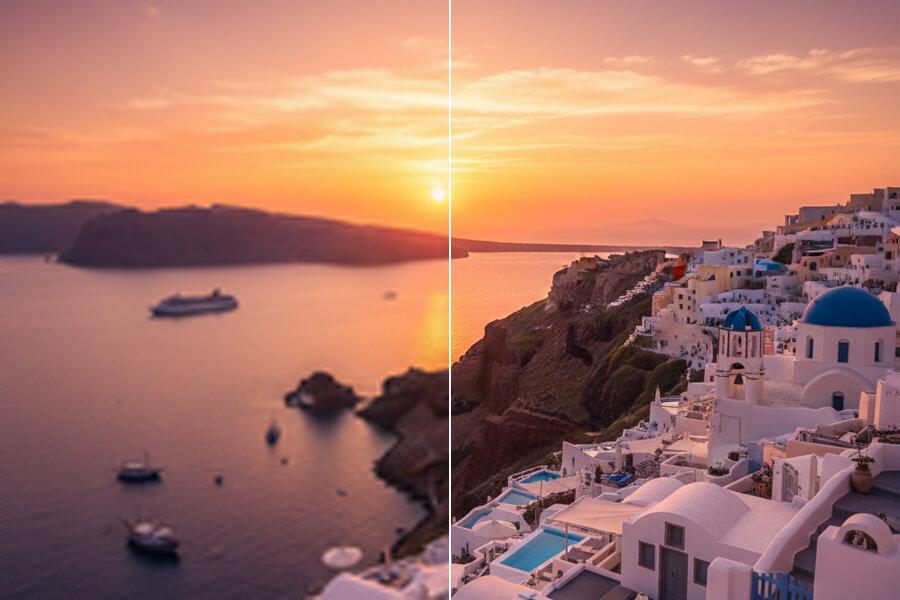
Product photos, portraits, scans, logos, artwork — PicUpscaler handles them all. Transparent PNG files keep their alpha channel intact, so cutouts and logos stay clean on any background.
How to Upscale an Image Online
Upload Your Image
Choose a JPG, PNG, or WebP from your device. No account required to get started.
Choose a Scale
Pick 2x for everyday web and social use, 4x for larger output, or 8x when a small original needs maximum enlargement.
Preview and Download
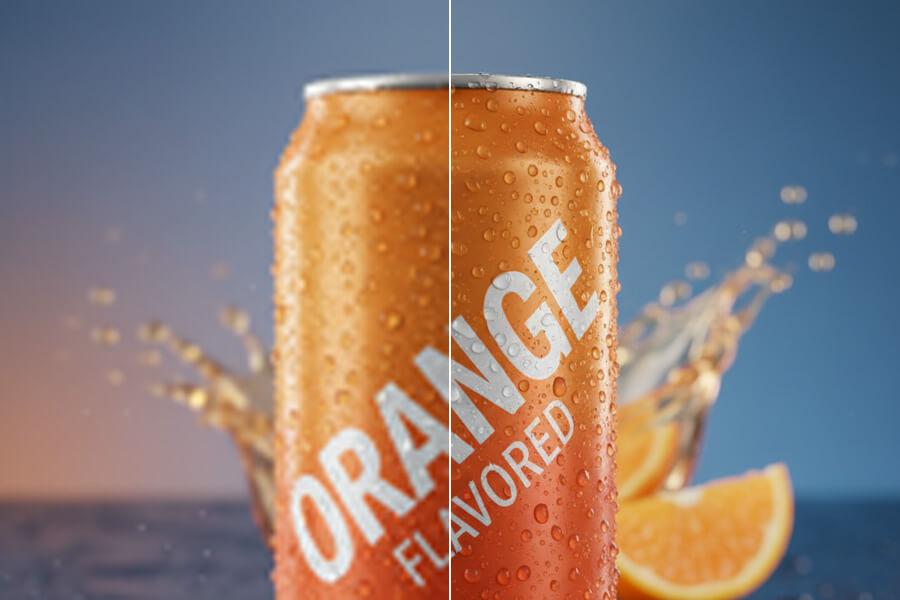
Compare before and after, then download your result. No watermark on eligible outputs.
Image Upscaler FAQ
Is this image upscaler free?
Yes. Start immediately without signup or payment — free users get daily 2x upscaling with no watermark on results. Upgrade to a paid plan when you need Pro 2x/4x monthly capacity or Premium 8x output.
Do I need to create an account?
No account is needed to start. Upload your image, pick a scale, and download the result. Sign up and upgrade only if you need higher volume or larger scale output.
What does an image upscaler do?
An image upscaler increases your image's resolution so it can be used at a larger size. A basic resize stretches existing pixels, which often looks blurry. An AI upscaler analyzes the image and reconstructs sharper edges, textures, and detail at the larger size.
How is AI upscaling different from resizing?
Regular resizing duplicates or averages existing pixels. AI upscaling predicts and reconstructs finer detail — edges, textures, faces, text — based on the image content. That is why an AI-upscaled result typically looks sharper than the same image enlarged with a basic resize tool.
What formats and file size limits apply?
PicUpscaler supports JPG, JPEG, PNG, and WebP. Uploads can be up to 5MB.
Will transparent PNG images keep transparency?
Yes. PicUpscaler preserves the alpha channel during upscaling. Logos, stickers, and product cutouts stay transparent — no white box added behind them.
Will my result have a watermark?
No watermark on eligible results. If your priority is free, no-signup, no-watermark use, the dedicated free image upscaler page is the clearest starting point.
What images work best?
Best results come from images that are clear but too small — product photos, portraits, social media downloads, scans, screenshots, and artwork. Very blurry or heavily compressed images can still improve, but final quality depends on how much usable detail exists in the original.
Can I use results commercially?
Yes, as long as you hold the rights to the original image. This covers product listings, marketing materials, client work, presentations, websites, and print. For product-specific workflows, see the product image upscaler.
Which page should I use for 4K, 8x, or product upscaling?
This page covers the general upscaling workflow. For specific needs: free image upscaler for no-signup use; 4K upscaler for 4K output; 8x upscaler for maximum scale; product image upscaler for ecommerce photos; or anime image upscaler for anime and illustration images.
When should I upgrade?
Upgrade when the free result proves useful and you need more — recurring 2x/4x monthly capacity with Pro, or 8x output for regular heavy use with Premium. Start with one image first, then decide.