
AI Image Sharpener for Clearer Photos
A slightly soft photo can look acceptable on a phone and less useful on a larger screen or print. PicUpscaler helps improve visible edges and detail while creating a larger 2x, 4x, or 8x result. It works best when the subject is recognizable and the image is mildly soft. Severe motion blur, extreme out-of-focus shots, or unreadable text may not fully recover.
Upload Your Image
Drag and drop or click to browse. JPG, PNG, and WebP supported.
What Makes the Difference in Sharpening
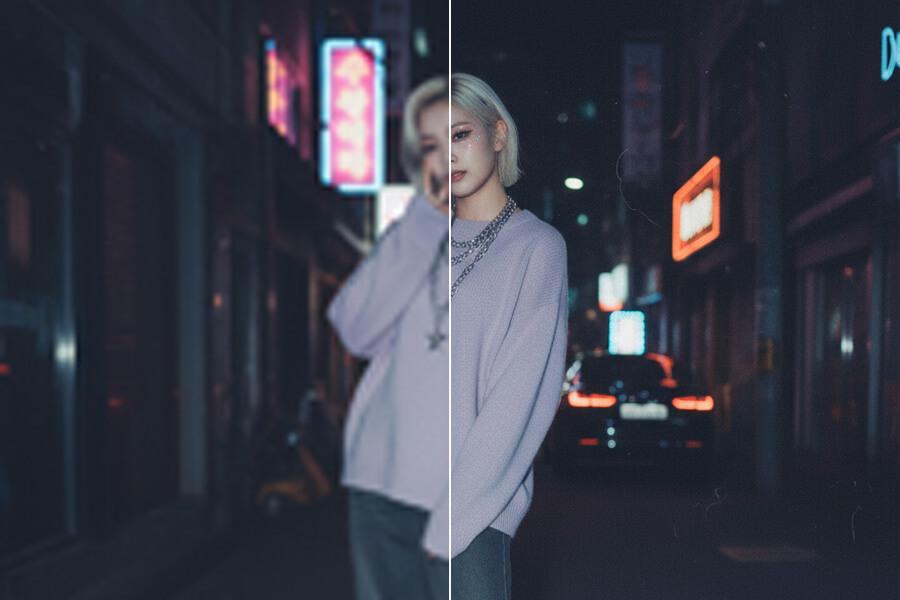
Improve Soft Edges and Visible Detail
Basic sharpening can make an image look harsh when it amplifies every edge and every bit of noise. PicUpscaler is designed for practical image improvement: it can make recognizable outlines, product details, scanned content, and soft textures easier to see while still depending on the quality of the source image.
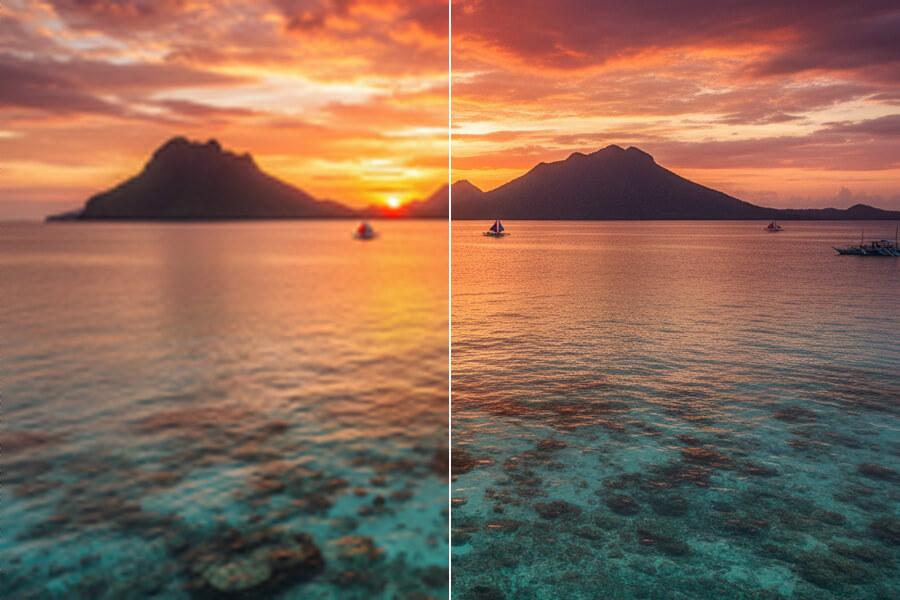
Larger Outputs for Screen and Print Checks
Images that look fine at small sizes can look soft when enlarged. PicUpscaler combines sharpening-oriented enhancement with higher output scales, giving you more pixels to inspect and use. For print or client work, preview the result closely before relying on it.
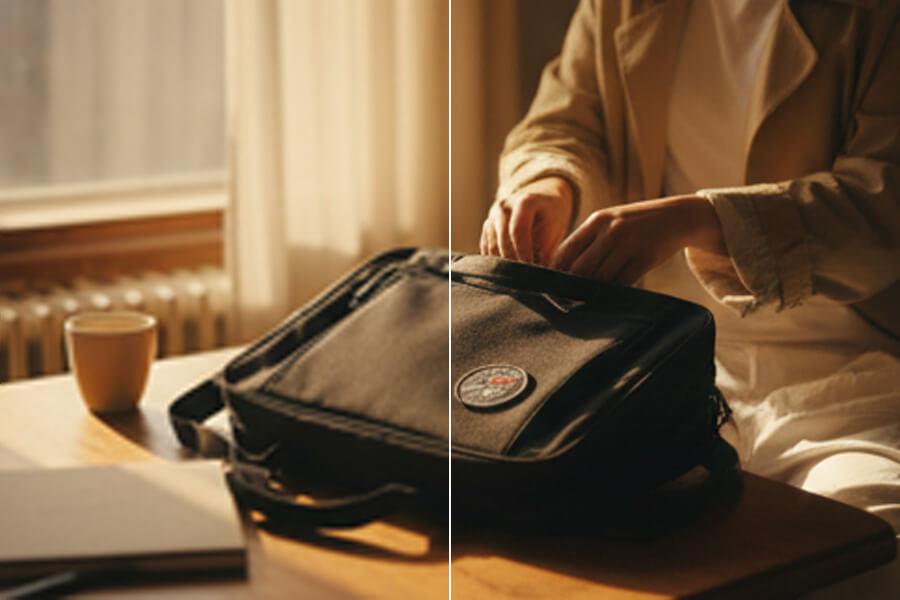
Product Photos and Text — Where Sharpness Matters Most
Product photos, screenshots, scans, and images with visible text can benefit when the original is only mildly soft. Sharpening can make product edges, labels, and document details easier to view, but text that is too small, smeared, or unreadable in the source may not become perfectly legible.
Free includes 3 2x upscales per day; Pro includes 400 2x and 400 4x upscales per month with no ads.
How to Sharpen an Image — 3 Steps
Upload Your Photo
Drag in any JPG, PNG, or WebP file up to 5MB. Free users can start with the core workflow; higher scale options are available on paid plans.
AI Improves Visible Edges
PicUpscaler enhances visible detail while producing a 2x, 4x, or 8x output depending on your selected scale and plan. The better the source image, the more useful the sharpened result is likely to be.
Download the Sharp Image
Use the before/after viewer to check edges, text, and fine detail. Processing time depends on file size, selected scale, image complexity, and current system load. Download at full resolution with no watermarks.
Image Sharpener — Common Questions
What's the difference between sharpening and enhancing?
Sharpening focuses on making visible edges and detail clearer. Enhancing is broader: it may also improve noise, color, contrast, and overall quality. Use the sharpener when your main issue is mild softness or lack of crispness. Use the photo enhancer when the photo has several quality issues at once.
Will it create halos around edges?
Over-sharpening can create bright or dark fringes along edges. PicUpscaler aims for a cleaner result than basic contrast sharpening, but source quality still matters. Use the before/after preview to check edges and smooth areas before downloading.
How much sharpening is right for print?
For screen-only output such as websites, social media, or presentations, 2x is often enough. For print or larger deliverables, higher scale options can provide more room to work with. Use the before/after preview to judge whether the result fits your output.
Can it fix motion blur or out-of-focus shots?
Mild out-of-focus softness and moderate blur may improve when the subject is still recognizable. Severe motion blur, fully streaked subjects, or extreme out-of-focus images are beyond what sharpening can reliably fix because the detail was not captured clearly in the first place. Free processing lets you test your specific photo before committing.
Does it work on screenshots or document scans?
Yes, screenshots and document scans can improve when the text and interface details are already visible but soft. If characters are too small, smeared, or unreadable in the source, the output may still not be fully legible. For documents, 2x is often enough, while 4x output can help when you need a larger paid-plan result.
Can I sharpen without changing the image size?
Not as a separate production option yet. The current workflow sharpens while producing a 2x, 4x, or 8x output. Use 2x for daily free processing, upgrade to Pro for 4x, or choose Premium for 8x when you need larger results.
What file formats are supported?
JPG, JPEG, PNG, and WebP. PNG transparency is preserved through sharpening.
How long does processing take?
Most photos finish quickly, but timing depends on file size, selected scale, image complexity, and current system load.
Is it free?
You can start free and download output without watermarks. Paid plans are available for higher scale options and more regular processing.
Is my photo private?
Yes. Images are encrypted in transit and automatically deleted after 72 hours. We don't use uploaded photos for AI training and don't share them with third parties.
Can I use sharpened images commercially?
Yes, with no restrictions. Sharpened photos can be used in client deliverables, product listings, marketing materials, publications, and any commercial context.