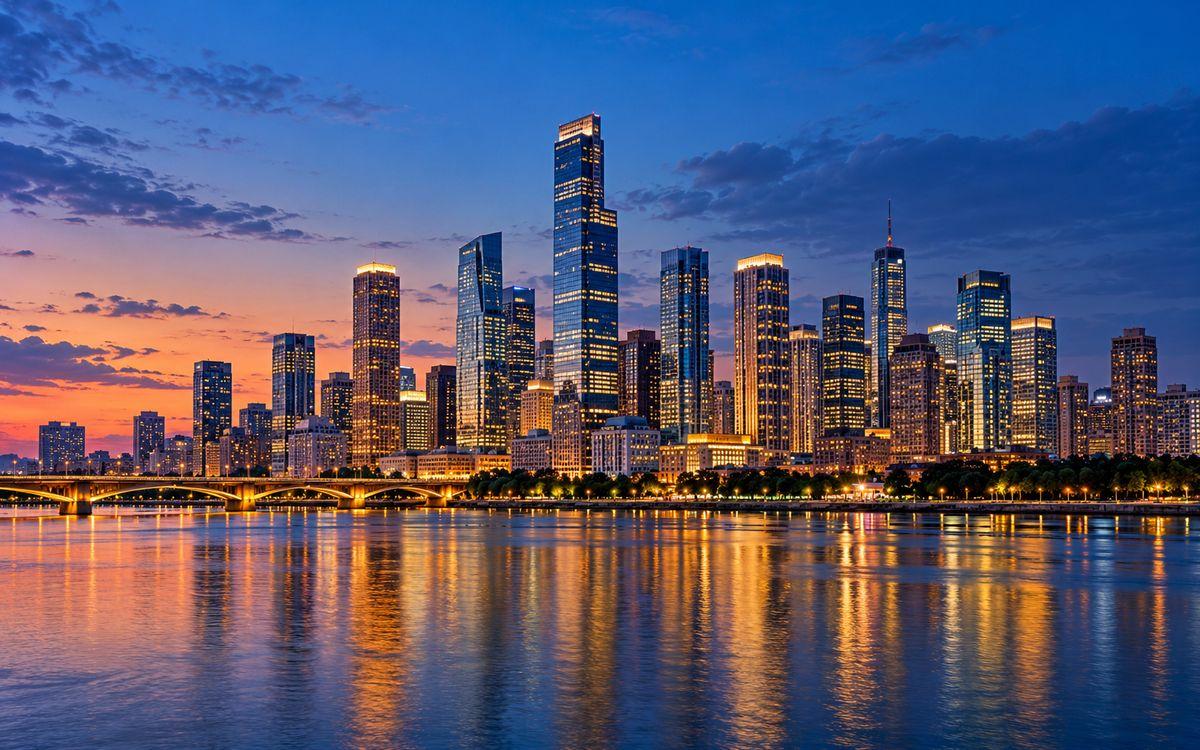
Upload an image and upscale it to 4K resolution with AI. A 1920×1080 image reaches 3840×2160 with 2x — smaller originals may need 4x or 8x. Free to start, no account needed.
Free to Start
No Signup Required
No Watermark
3840×2160 Output
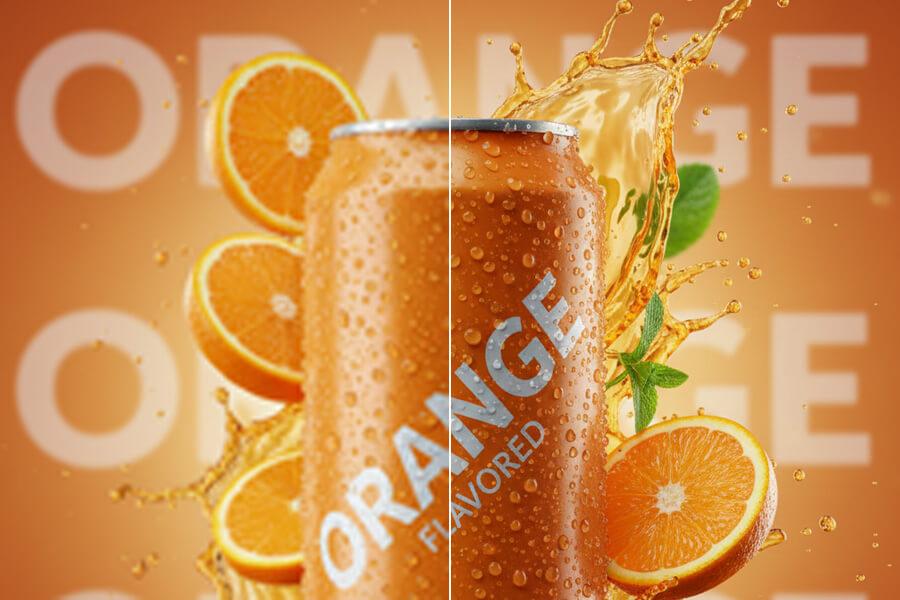
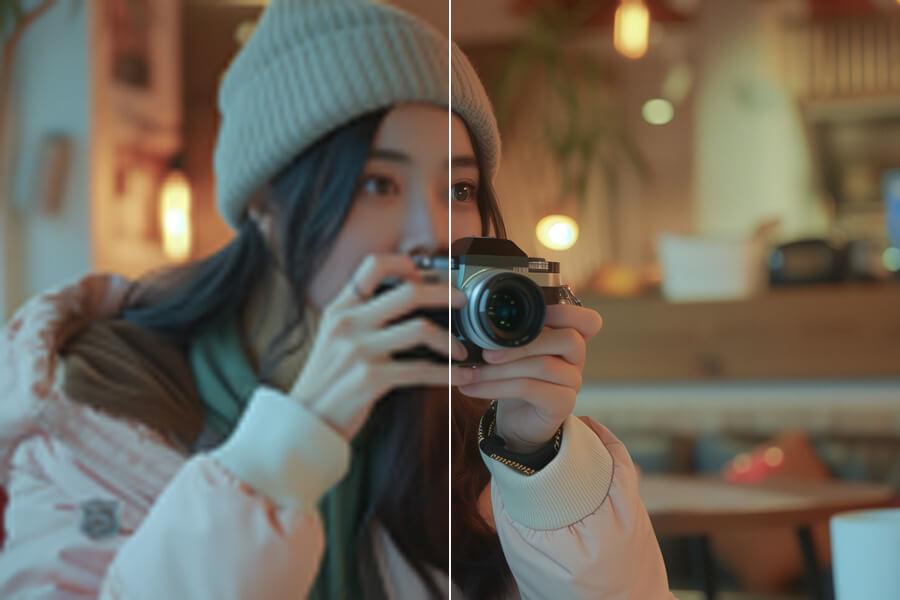
See sample results
BeforeAfter
The required plan depends on image size.
Upload Your ImageDrag and drop or click to browse. JPG, PNG, and WebP supported.
Multiple Format Support
We support JPG/JPEG, PNG, and WebP files. The maximum file size for individual upscaler uploads is 5MB.
Privacy & Security
Uploaded images and results are automatically deleted from our servers after 72 hours. We never share your photos or use them to train AI models.
Commercial Use
You can use results for business, ecommerce, client, and social media work as long as you hold the rights to the original image.
Why Use a 4K Image Upscaler?
BeforeAfter
Sharper Images on 4K Screens
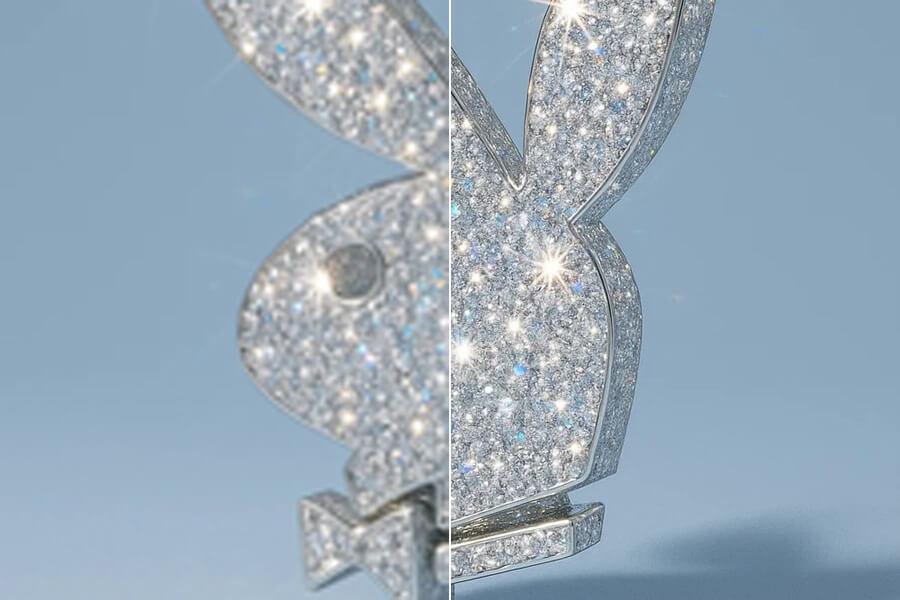
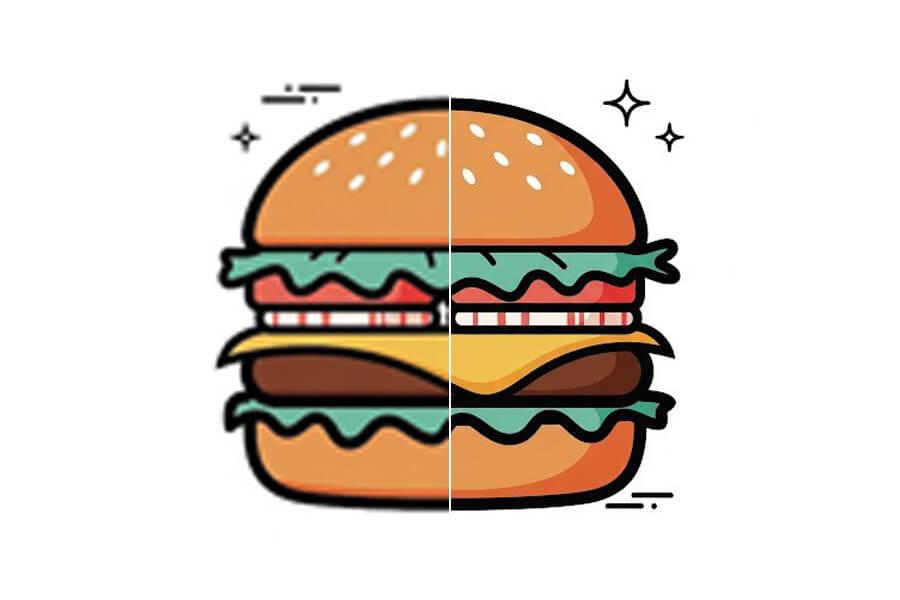
A 4K display has 3840×2160 pixels — a small image stretched to fill it looks soft. PicUpscaler's AI rebuilds edges, textures, and detail while enlarging your file, giving you a cleaner result for 4K monitors, TVs, presentations, digital signage, and high-resolution web layouts.
BeforeAfter
More Pixels for Print and Design
At 300 DPI, a 4K image prints sharply at about 12×7 inches. At 200 DPI, around 19×10 inches. At 150 DPI, poster-scale at 25×14 inches. More pixels means more room to crop, place, and print — useful for product posters, portfolio images, canvas prints, and client layouts.
BeforeAfter
Pick the Right Scale for Your Source
A 1920×1080 photo reaches 4K with 2x. A 1000px product image or 720p screenshot may need 4x or 8x. Use the free option to test quality on your own image first — upgrade only when your source size or workflow demands it.
How to Upscale an Image to 4K
Step 1
Upload Your Photo
Upload a JPG, PNG, or WebP up to 5MB. No account required to get started.
Start free to try PicUpscaler on your own images. Upgrade to Pro when you need 4x upscaling and no daily limit, or choose Premium for 8x output and higher monthly volume.
Free plan
$0/month
3 free 2x upscales/day
For occasional 2x upscaling and trying PicUpscaler.
Yes, free to start — no signup, no watermark on results. Reaching 4K from a smaller original may require Pro 4x or Premium 8x depending on your source size.
Can I upscale an image to 4K online?
Yes. Upload your image, choose the scale that fits your source size, and preview the result in your browser. A 1920×1080 image reaches 3840×2160 with 2x. Smaller originals may need 4x or 8x.
What resolution is 4K exactly?
4K UHD is 3840×2160 pixels — four times the pixel count of 1080p Full HD. The standard for 4K TVs, monitors, and projectors. Some cinema workflows use 4096×2160, but most users preparing images for display are targeting 3840×2160.
What size image do I need for 4K upscaling?
Any supported image can be upscaled, but starting resolution affects both the scale needed and the final quality. A 1920×1080 photo reaches 4K with 2x. A 1280×720 image needs more than 2x for cropping room. A 1000px product photo may need 4x or 8x. Best results come from the highest-quality original you have — clear, well exposed, not heavily compressed.
Will it look as good as a photo originally shot at 4K?
Not exactly. A natively captured photo contains sensor-recorded detail. An AI-upscaled image has detail reconstructed from the original content. The result looks much sharper than basic resizing and better than a stretched image on a 4K screen — but quality still depends on your source file.
What print size can I get from a 4K image?
At 300 DPI: about 12×7 inches for sharp close-view prints. At 200 DPI: around 19×10 inches. At 150 DPI: poster-scale around 25×14 inches. Formula: DPI × inches = required pixels.
When do I need 4x or 8x instead of free 2x?
Use free 2x when your image is already close to the size you need — like a 1080p image for a 4K display. Upgrade to 4x or 8x when your source is much smaller, you need room to crop, or the final file is for print, ecommerce, or repeated professional use. For maximum scale from a small original, compare with the 8x image upscaler.
What is the difference between Pro and Premium?
Pro is for recurring 2x/4x work — higher monthly capacity without the free daily limit. Premium is for 8x maximum-scale output and heavier monthly workflows.
How long does processing take?
Most photos finish in seconds. Timing depends on source size, selected scale, image complexity, and current system load.
What file formats are supported?
JPG, JPEG, PNG, and WebP. Uploads can be up to 5MB. PNG transparency is preserved — useful for logos, product cutouts, and graphics with transparent backgrounds.
Can I use 4K upscaled images commercially?
Yes, as long as you hold the rights to the original file. Covers product listings, retail displays, marketing materials, presentations, client work, and print projects.
Is this better for product photos or personal photos?
Both. Product photos benefit from clean edges, larger marketplace images, and room for cropping. Personal photos need enough resolution for 4K screens, prints, or albums. For ecommerce-specific workflows, see the product image upscaler.
Can I upscale an image to 4K for printing?
Yes. For sharp close-view prints, target 300 DPI. For posters viewed from a distance, 150–200 DPI is acceptable. If printing is your main use case, see upscale image for printing for a print-focused workflow.