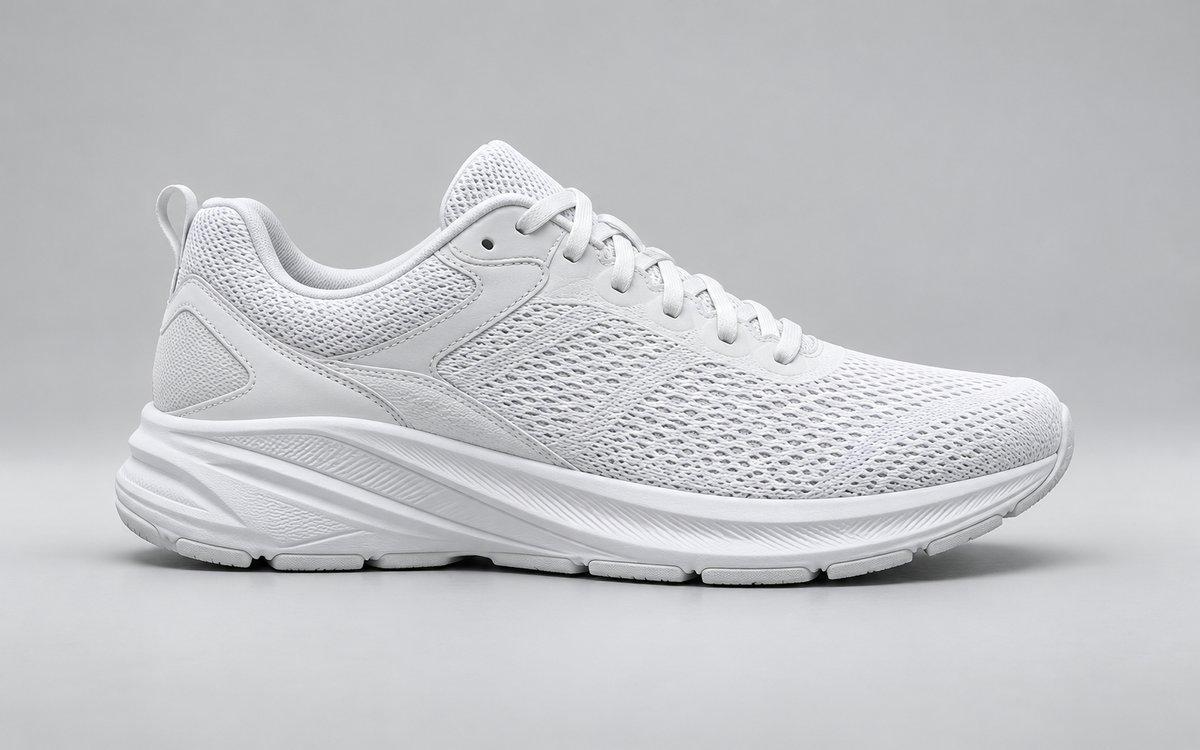
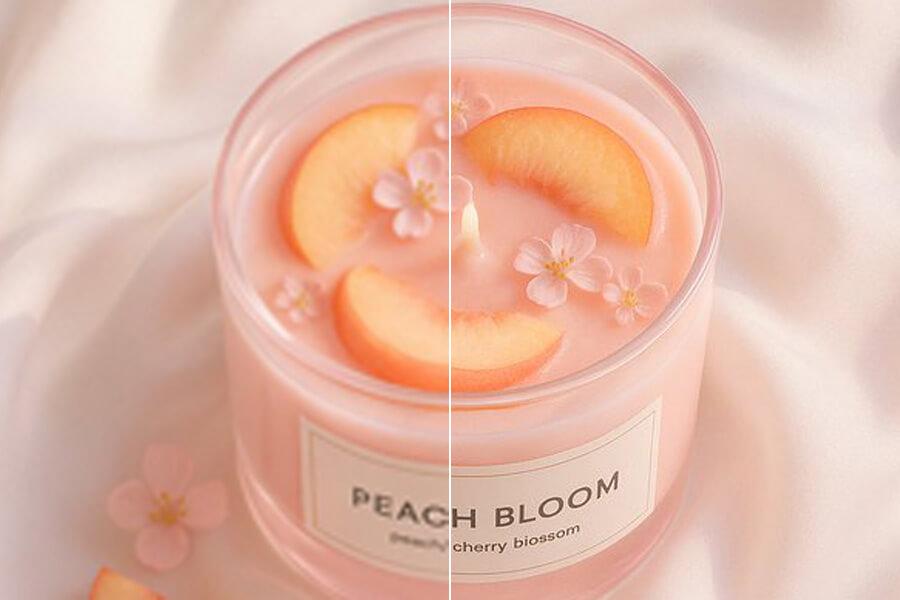
Upload a product photo and get a sharper, higher-resolution version for listings, ads, banners, and catalogs. Free 2x preview — no account needed. Upgrade to Pro 4x or Premium 8x when your workflow needs larger output.
Free to Start
No Signup Required
No Watermark
Works for Shopify & Amazon
See sample results
BeforeAfter
Upload Your ImageDrag and drop or click to browse. JPG, PNG, and WebP supported.
Multiple Format Support
We support JPG/JPEG, PNG, and WebP files. The maximum file size for individual upscaler uploads is 5MB.
Privacy & Security
Uploaded images and results are automatically deleted from our servers after 72 hours. We never share your photos or use them to train AI models.
Commercial Use
You can use results for business, ecommerce, client, and social media work as long as you hold the rights to the original image.
Why Use a Product Image Upscaler?
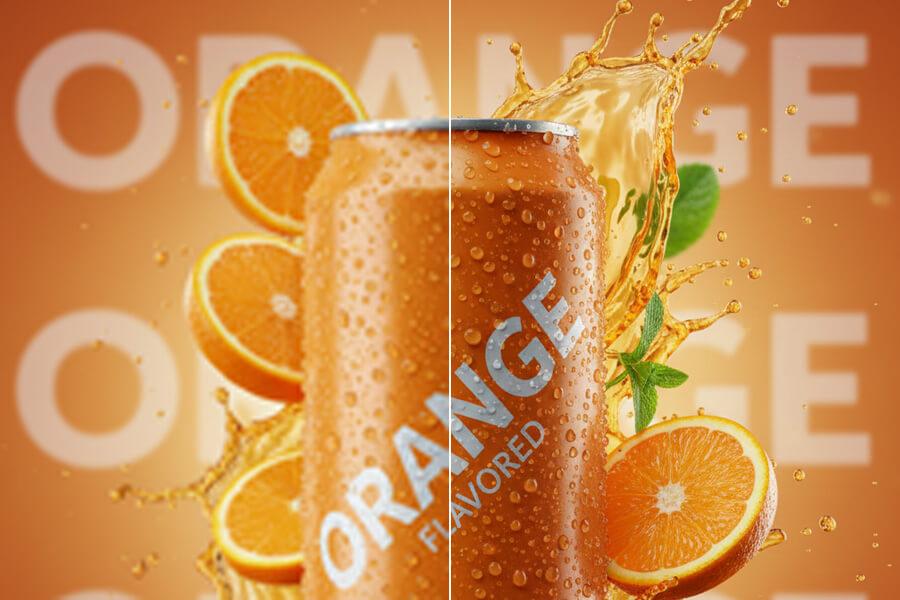
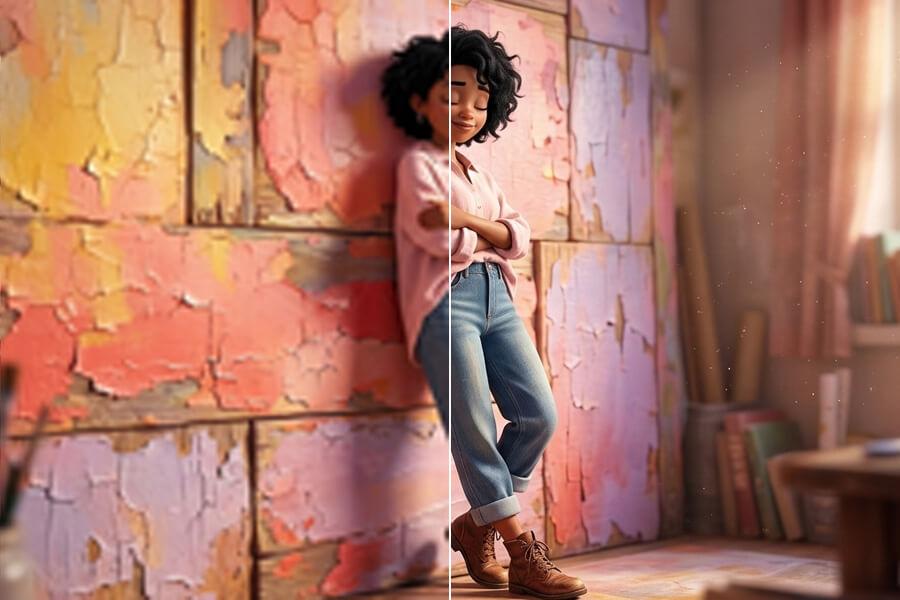
BeforeAfter
Fix Supplier and Store Photos That Are Too Small
Product photos from supplier exports, marketplace downloads, or older store assets are often clear enough to recognize — but too small for modern listing pages, ad creatives, or banner layouts. PicUpscaler enlarges the file and rebuilds visible edges and detail, so you can publish larger product visuals without reshooting.
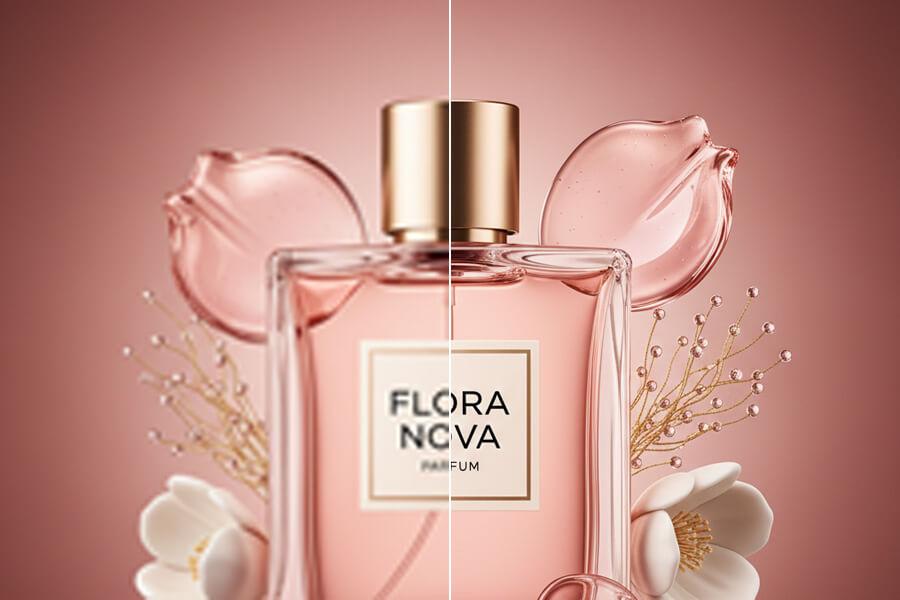
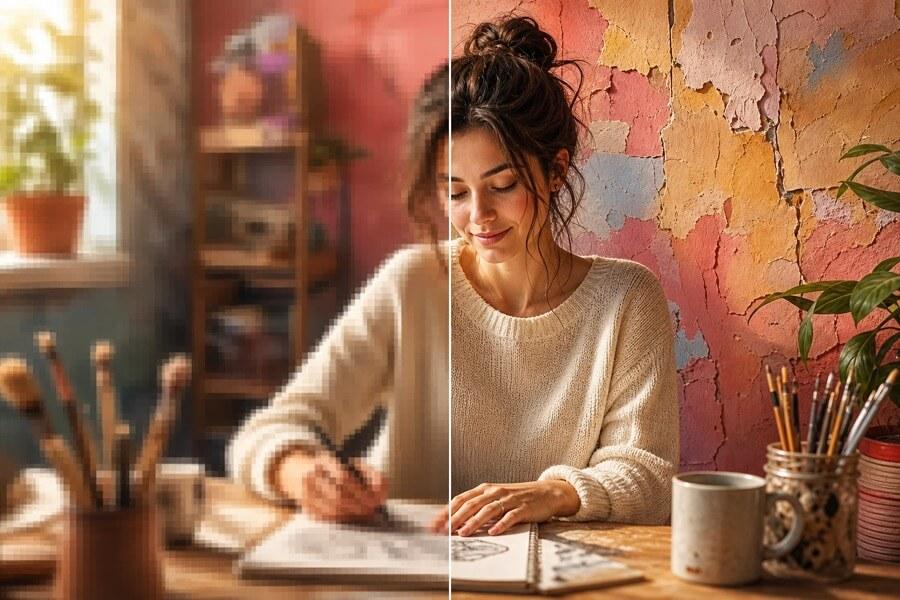
BeforeAfter
Ready for Shopify, Amazon, and Ecommerce Listings
Use AI upscaling when a product image needs more pixels for a listing gallery, store hero section, email campaign, catalog, or ad creative. Start with the clearest source image available, check the result on your own product, and confirm the final file accurately represents the item before publishing.
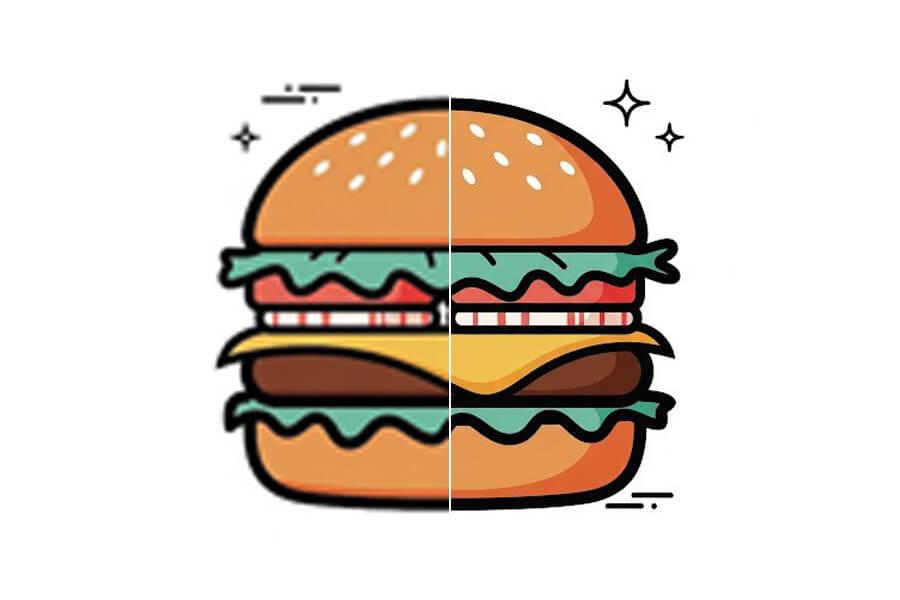
BeforeAfter
Scale Up When the Job Needs More Pixels
Free 2x lets you test quality on a real product photo before committing. Pro unlocks recurring 2x/4x work for regular product workflows. Premium unlocks 8x for small originals, large marketplace banners, and high-resolution layouts.
How to Upscale Product Photos
Step 1
Upload a Product Image
Upload a JPG, PNG, or WebP up to 5MB. No account required. Clear product images with visible edges and texture produce the best results.
Step 2
Preview the AI-Upscaled Result
Start with free 2x to check whether product details, edges, and background look natural. Upgrade to 4x or 8x if you need a larger output.
Step 3
Download or Upgrade
Download without a watermark when the result fits your use case. Pro for recurring 4x work, Premium for 8x when listings need larger images from small originals.
Start free to try PicUpscaler on your own images. Upgrade to Pro when you need 4x upscaling and no daily limit, or choose Premium for 8x output and higher monthly volume.
Free plan
$0/month
3 free 2x upscales/day
For occasional 2x upscaling and trying PicUpscaler.
Yes. Start with free 2x upscaling — no signup, no watermark. Pro unlocks recurring 2x/4x product work, and Premium unlocks 8x for small originals and heavier monthly use.
Do I need an account to get started?
No. Upload your product photo and download the result right away. No account or credit card required for the free tier.
What is a product image upscaler?
An AI tool that enlarges product photos and improves visible detail when the source image is clear enough. Useful when a product photo is too small for ecommerce listings, ads, catalogs, or store layouts — without having to reshoot.
Can I upscale product photos for Shopify or Amazon?
Yes. Upload product photos and create higher-resolution versions for Shopify, Amazon, Etsy, and other platforms. Always inspect the result and confirm the final image accurately represents the product before publishing.
What image size do Shopify and Amazon recommend?
Shopify recommends at least 2048×2048 px for product images to support zoom. Amazon recommends images of at least 1000px on the longest side to enable their zoom feature, with 2000px or more preferred. If your source photo is smaller than these targets, 4x or 8x upscaling can help you reach the required size.
When should I use 4x or 8x instead of free 2x?
Use 4x or 8x when the source image is small, when you need extra pixels for cropping, or when the same product visual must work across listing galleries, store banners, email campaigns, and ad creatives. If the original is already close to the required size, 2x may be enough.
Will AI upscaling change how the product looks?
PicUpscaler is built for practical upscaling, not product editing. AI output depends on the source file — always review product edges, labels, texture, and color before publishing to confirm the result accurately represents the item.
Can I upscale transparent PNG product cutouts?
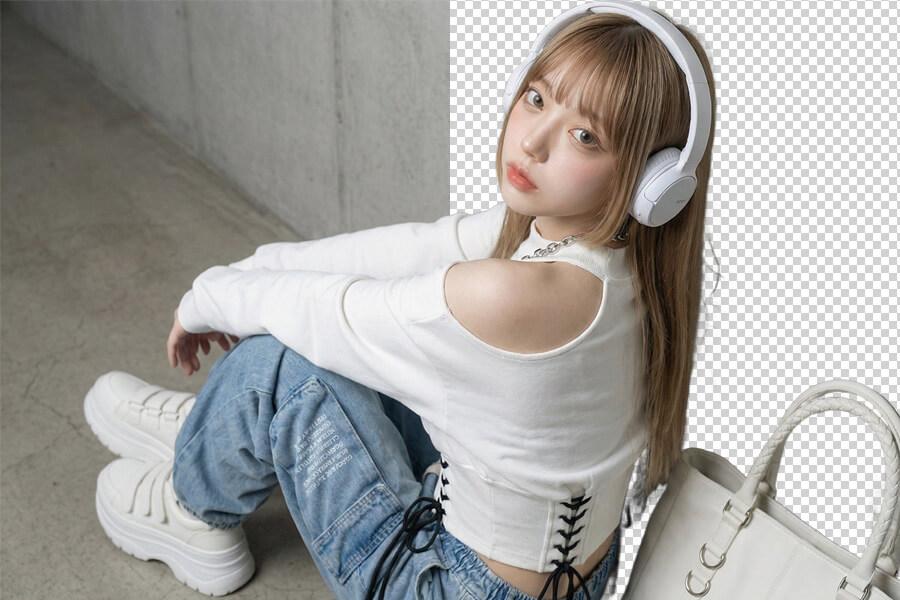
Yes. PicUpscaler preserves the alpha channel during upscaling, so product cutouts and images on transparent backgrounds stay clean. Useful for listings, ads, and mockups where the product needs to appear on a custom background.
Can I use upscaled product images commercially?
Yes, if you have the right to use the original product photo and the final image meets your marketplace or advertising requirements.
What product photos work best?
Clear, well-lit product images with visible edges and texture produce the best results. Very blurry, heavily compressed, or motion-blurred photos may improve, but the final quality depends on the detail available in the original.
Which page should I use for 4K or 8x output?
Use this page for ecommerce and product photo workflows. Use the 4K image upscaler when your main goal is 4K screen output, or the 8x image upscaler when maximum-scale output is the priority.