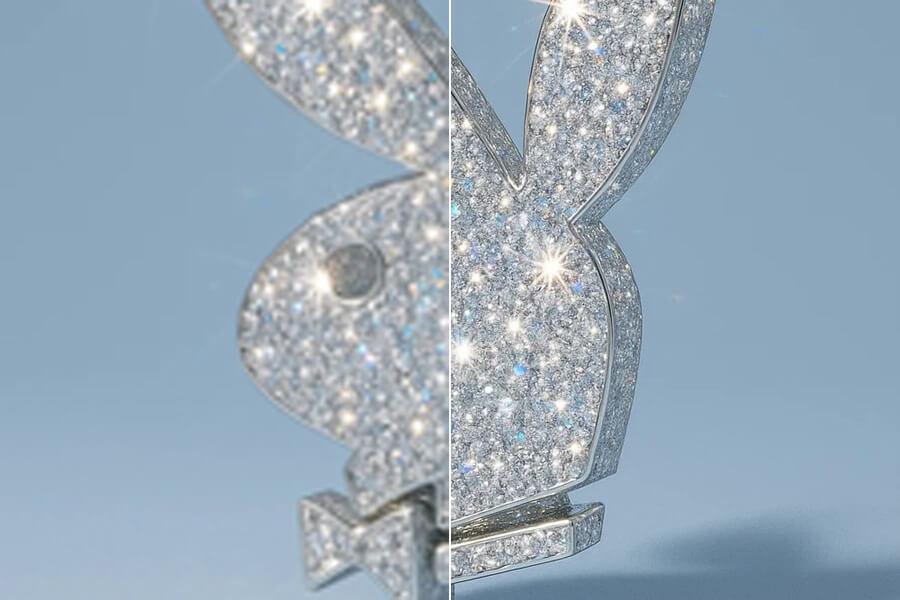
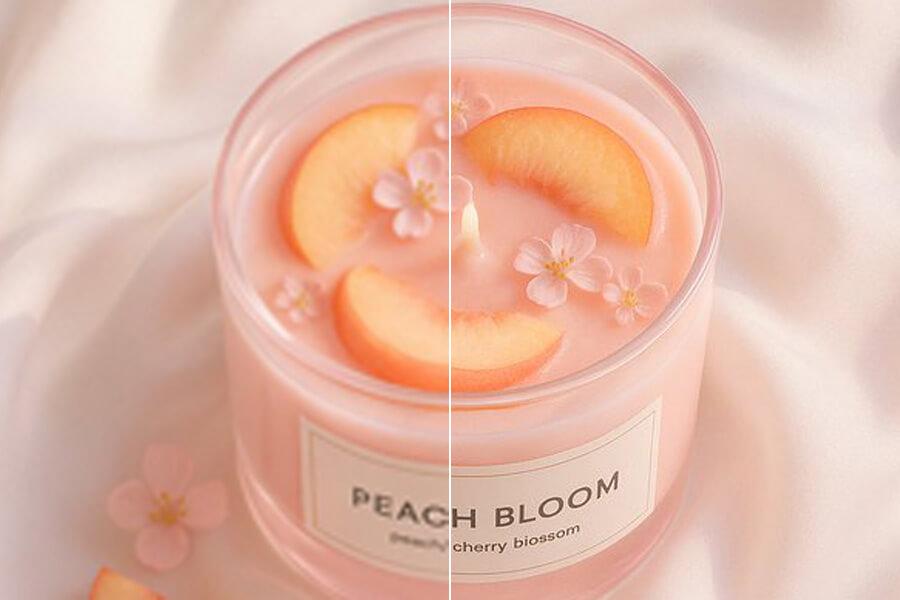
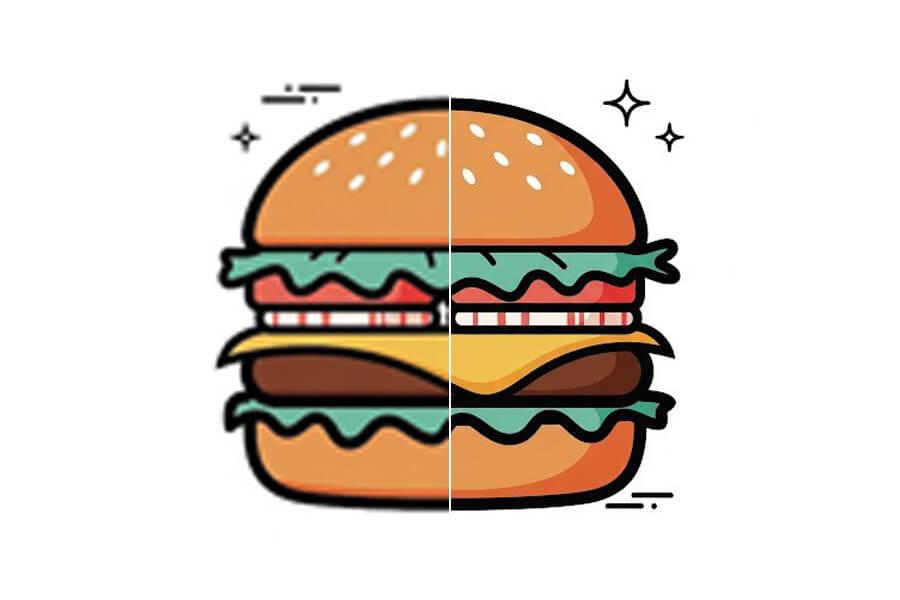
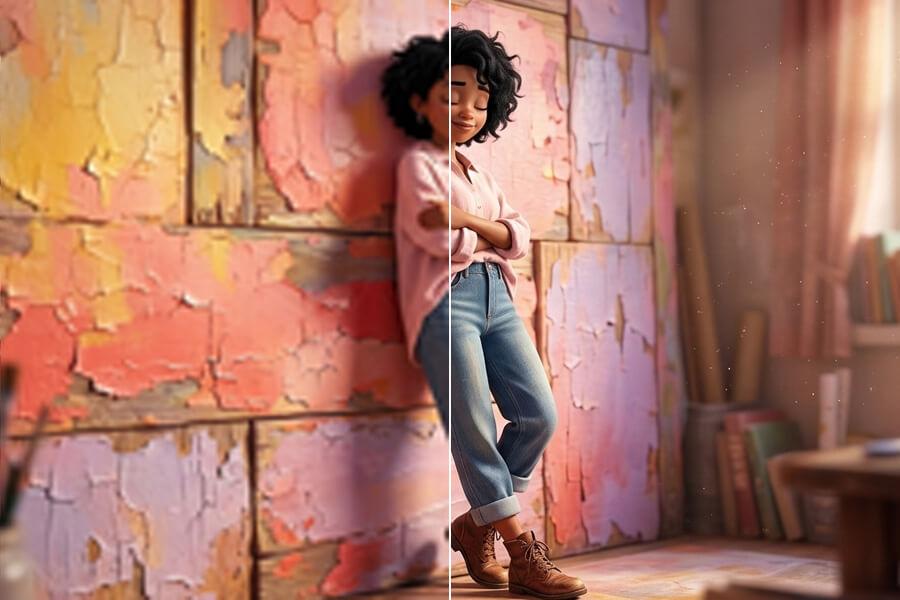
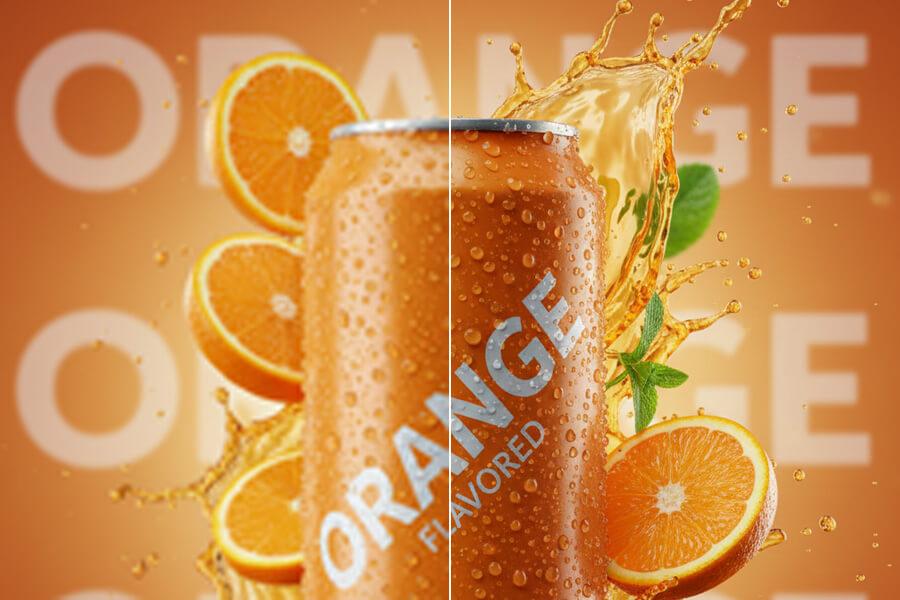
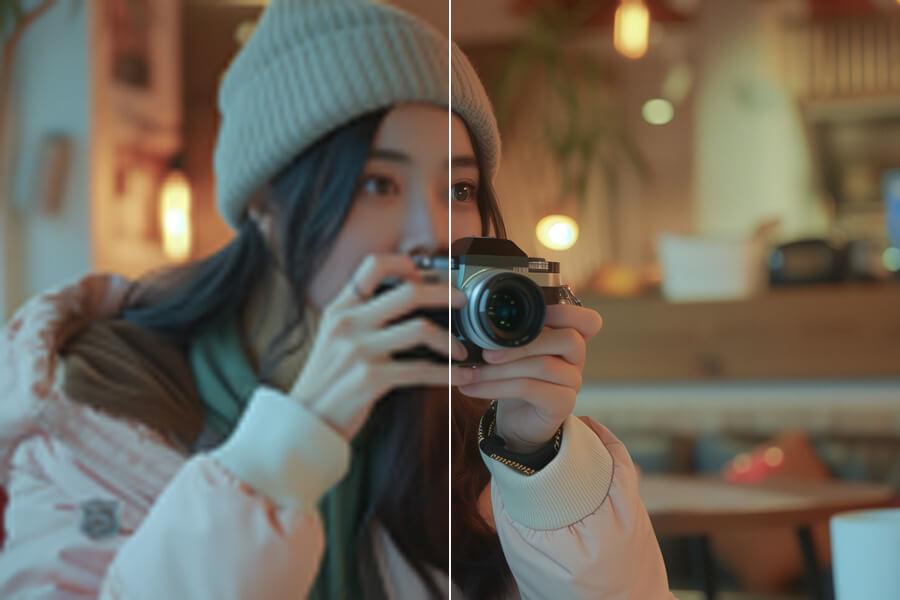
Upload a small image, test a free 2x preview, then choose 4x or Premium 8x for the output size you need. A 500px photo becomes 4000px at 8x; an 800px product image becomes 6400px.
Free 2x Preview
No Signup Required
No Watermark
2x / 4x / 8x Options
See sample results
BeforeAfter
Upload Your ImageDrag and drop or click to browse. JPG, PNG, and WebP supported.
Multiple Format Support
We support JPG/JPEG, PNG, and WebP files. The maximum file size for individual upscaler uploads is 5MB.
Privacy & Security
Uploaded images and results are automatically deleted from our servers after 72 hours. We never share your photos or use them to train AI models.
Commercial Use
You can use results for business, ecommerce, client, and social media work as long as you hold the rights to the original image.
Why Use an 8x AI Image Upscaler?
BeforeAfter
Give Small Images More Room to Work
Product photos, old web images, screenshots, and logo drafts can all start too small for the job. Basic resizing only stretches existing pixels. PicUpscaler's AI enlarges the image while rebuilding visible structure, giving you a larger working file for listings, layouts, ads, and print drafts.
BeforeAfter
Choose 2x, 4x, or 8x by the Final Size
Use the smallest scale that reaches your target: a 500px image becomes 1000px at 2x, 2000px at 4x, or 4000px at 8x. Choose 8x when a very small original needs maximum room for a marketplace banner, poster draft, or large layout. If 4x already covers the destination, it may be the better choice.
BeforeAfter
Know What 8x Can — and Cannot — Fix
8x works best on small but clear images: product photos with visible detail, clean graphics, and readable screenshots. It does not repair motion blur, severe compression, tiny text, or missing facial detail. Test the free 2x preview first, inspect edges and textures, and upgrade only when the source supports a larger output.
How to Upscale a Small Image 8x
Step 1
Upload a Small Image
Upload a JPG, PNG, or WebP up to 5MB. No account is required to start the free preview; use the clearest original you have.
Step 2
Compare 2x, 4x, and 8x Output
Start with free 2x to check the result on your own image. Choose 4x for more working room, or upgrade to Premium 8x when you need the largest output.
Step 3
Inspect and Download the Right Size
Compare edges, textures, and fine detail before downloading. Choose the scale that matches your layout, then download without a watermark.
Start free to try PicUpscaler on your own images. Upgrade to Pro when you need 4x upscaling and no daily limit, or choose Premium for 8x output and higher monthly volume.
Free plan
$0/month
3 free 2x upscales/day
For occasional 2x upscaling and trying PicUpscaler.
You can start free with 2x upscaling — no signup, no watermark. 8x is a Premium feature. This lets you test image quality first before upgrading for maximum scale output.
Can I use an 8x image upscaler without signing up?
You can upload an image and test the free 2x preview without an account. When you need 8x output, upgrade to Premium. If you only need a quick smaller result, try the free image upscaler first.
How do I choose between 2x, 4x, and 8x?
Choose 2x when you need a quick enlargement, 4x when you need more working room, and 8x when a small original must reach the largest output. Compare the final pixel dimensions with your destination before choosing the higher scale. For a fixed display target, the 4K image upscaler may be a better fit.
Can I upscale an image 8x online?
Yes. Upload your image, select the scale, and preview the result in your browser. 8x is available with Premium. Start with the free 2x result to judge whether the image has enough detail before committing to the larger scale.
When should I use 8x instead of 2x or 4x?
Use 8x when the source is small and 2x or 4x doesn't create enough pixels for your final use. Quick check: if a 500px image at 4x gives you 2000px but you need 4000px or more, 8x is the right call. If your target is a specific screen resolution like 4K rather than maximum scale, the 4K image upscaler may be a better fit.
How large will my image be after 8x upscaling?
Multiply width and height by 8. A 500×500 image becomes 4000×4000. An 800×600 image becomes 6400×4800. A 1000×1000 image becomes 8000×8000. More pixels means more room for cropping, printing, and high-resolution layouts — but also makes quality problems in the original more visible.
Will 8x make every image perfect?
No. Output quality still depends on the original. Clear, well-lit, less-compressed images work better than blurry or heavily compressed files. Motion blur, severe compression blocks, and missing facial detail may still need manual editing or a better source file.
What is the difference between Pro and Premium?
Pro unlocks recurring 2x/4x upscaling for regular larger-output work. Premium unlocks 8x upscaling for maximum scale, high-resolution output, and heavier monthly use.
Can I use 8x upscaled images for product photos?
Yes, if you have the right to use the original. 8x can help small product photos fit larger store layouts, ads, marketplace banners, and design mockups. Inspect the result before publishing or printing. For ecommerce-specific workflows, see the product image upscaler.
What file formats are supported?
JPG, JPEG, PNG, and WebP. Uploads can be up to 5MB. PNG transparency is preserved where supported.
Is 8x better than 4x for printing?
Not always. If 4x already gives you enough pixels for the print size, 8x may not add useful detail. If the original is very small and you need poster-scale output, 8x gives you more layout room. For a print-focused workflow, see upscale image for printing.
Does 8x preserve transparent PNGs?
Yes, PNG transparency is preserved where supported. Useful for product cutouts, logos, UI assets, and graphics that need to stay on a transparent background.
Can I use 8x for old photos or screenshots?
Yes, but check the free preview first. Old photos work when the scan is clear and not too damaged. Screenshots work when text and UI edges are still readable. If the file is extremely compressed or blurry, inspect the 2x result before upgrading to 8x.