
Remove Image Backgrounds Online with AI

Upload a photo and get a clean transparent PNG automatically — no manual masking, no design tools needed. Works for product photos, portraits, logos, and objects. Free daily use, no account required.

Free to StartNo Signup RequiredNo WatermarkTransparent PNG Output

Upload Your Image

Drag and drop or click to browse. JPG, PNG, and WebP supported.

Background Removal Use Cases That Work Best

Use background removal when the subject is clear and separated from the scene. Hair, shadows, transparent objects, and low-contrast edges need closer review before publishing.

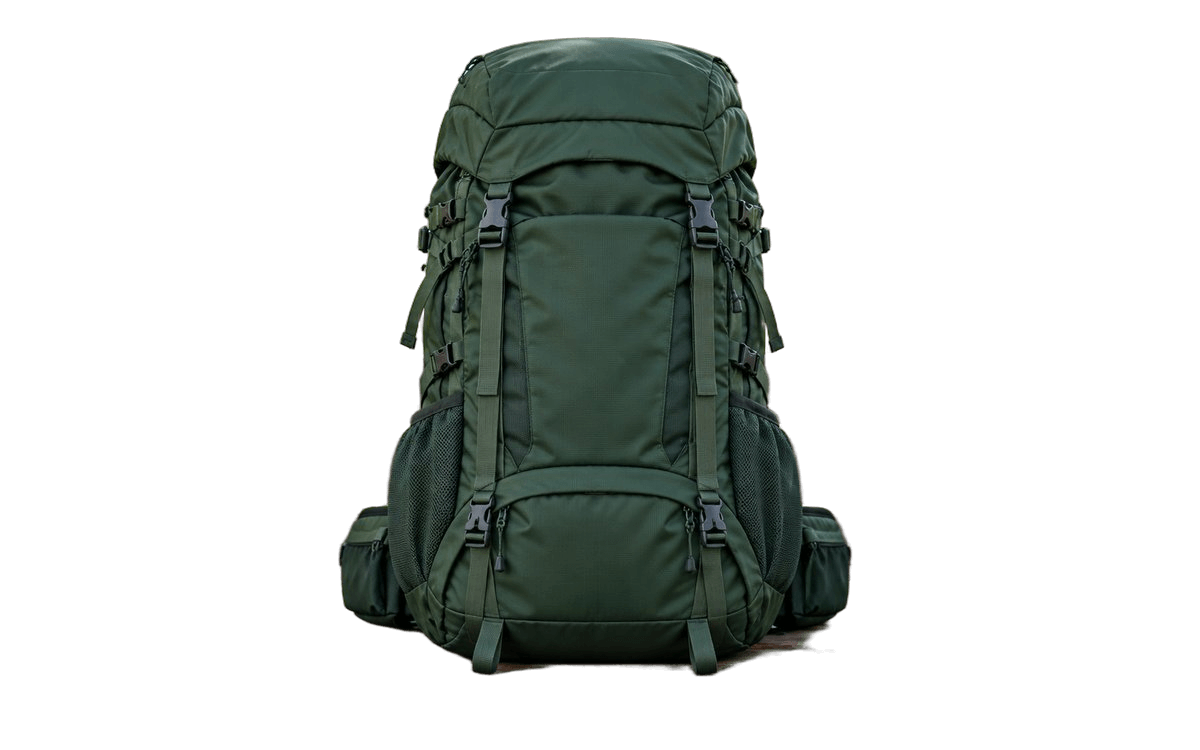
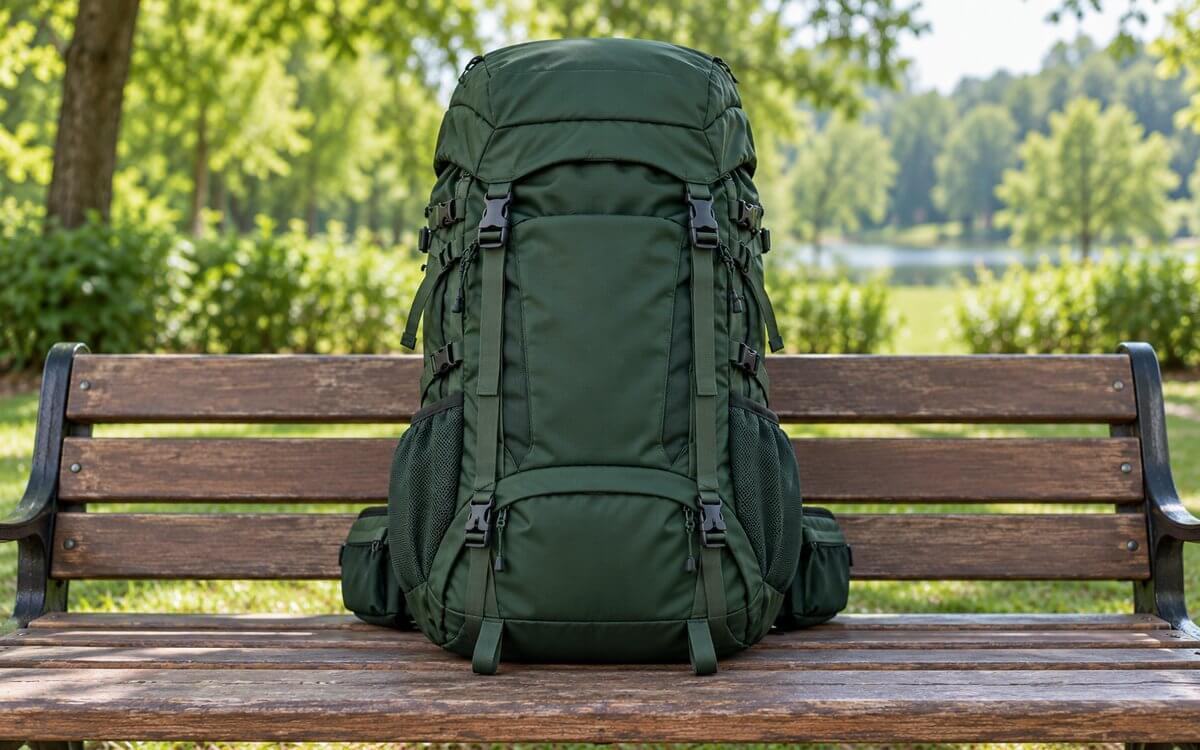
Before and after product background removal example
Before
Transparent PNG

Shopify, Amazon, Etsy, catalog assets.

Product Cutout for Store Listings

A product photo with a distracting or inconsistent background.

Transparent PNG ready for a white, branded, or marketplace background.

Check labels, edges, reflections, and shadows before publishing a commercial listing.

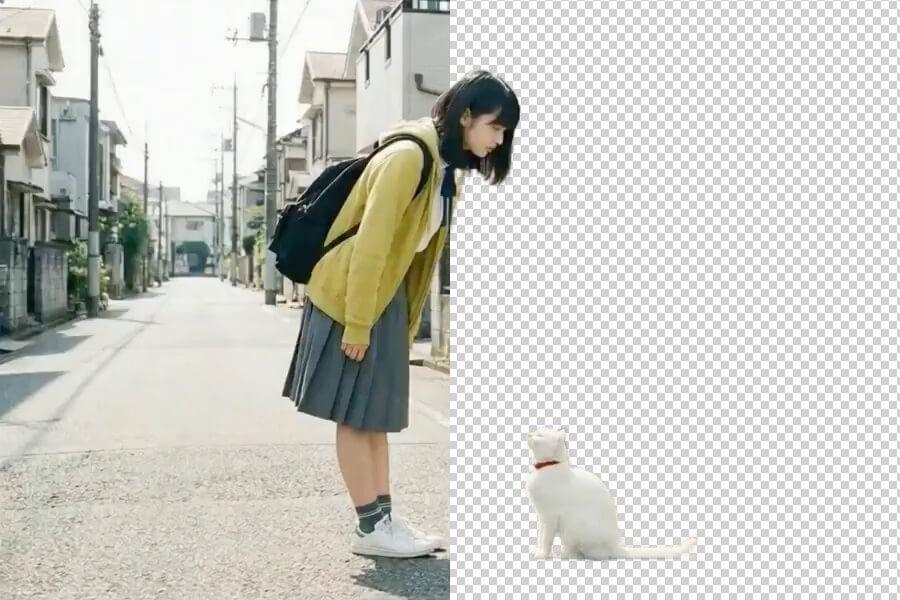
Before and after portrait background removal example
Before
Transparent PNG

Profile graphics, ads, thumbnails, team pages.

Portrait Cutout for Social Graphics

A portrait or person image that needs to fit a social post or design template.

Clean subject cutout for Canva, Figma, Photoshop, or presentation layouts.

Hair and soft edges work best when the source photo is sharp and the background has enough contrast.

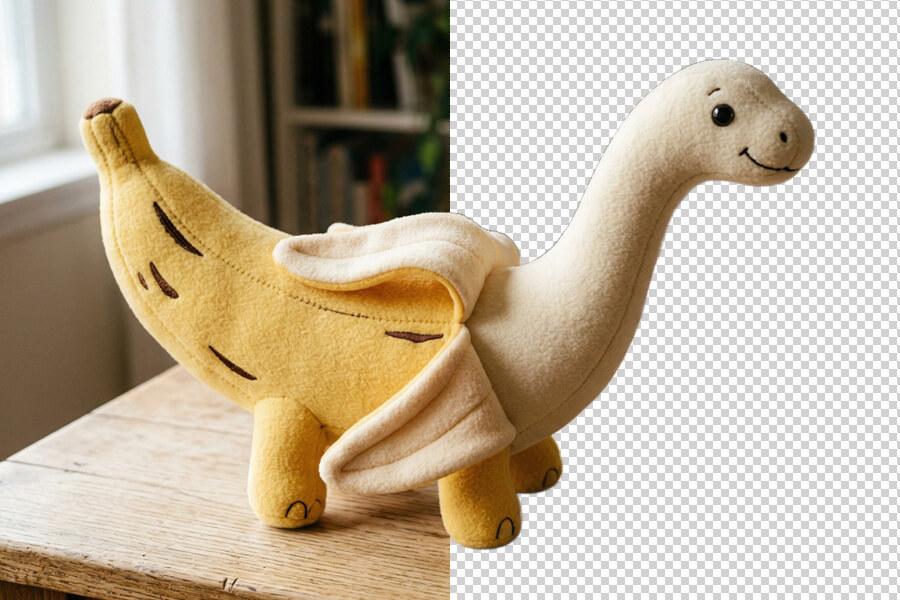
Before and after object background removal example
Before
Transparent PNG

Marketing graphics, slides, website assets.

Object or Logo Cutout

An object, logo, or asset needs a transparent background for reuse.

PNG cutout that can be placed on a new color, photo, or layout.

Very thin lines, glass, shadows, and low-contrast edges may need manual cleanup.

Background Remover Facts and Limits

Use these checks before relying on a transparent PNG for listings, ads, client work, or design layouts.

Supported formatsUpload JPG, JPEG, PNG, or WebP. Output is a transparent PNG so the removed background stays transparent.
File limitsUploads can be up to 10MB.
Best source imagesSharp subjects, clear lighting, and visible separation between foreground and background. Busy scenes and low-contrast edges need closer review.
Common constraintsHair, glass, reflections, shadows, transparent objects, motion blur, and tiny details can still require manual cleanup.
Output workflowDownload the transparent PNG, then place it on a white background, brand color, marketplace template, slide, or design canvas.
Commercial useUse results for product listings, marketing graphics, client work, and websites when you own or have rights to the source image.

A Background Remover Built for Real Images

Clean Cutouts Without Manual Editing

PicUpscaler detects the main subject and removes the background automatically — no brush tools, lasso selections, or layer setup. Upload your image and get a transparent PNG ready for listings, designs, and social posts.
picupscaler features 1

Free to Try, No Account Needed

Start with free daily background removal and download results without watermarks. Test the quality on your own images first — upgrade to Pro or Premium when you need higher monthly volume for store, ad, or client workflows.

picupscaler features 2

Transparent PNG Ready for Any Platform

Your result downloads as a transparent PNG — the format you need to place a subject cleanly on any background, template, or listing. Works directly in Canva, Figma, Photoshop, Shopify, Amazon, Etsy, and PowerPoint.

picupscaler features 3

How to Remove a Background from an Image

1

Upload Your Image

Choose a JPG, PNG, or WebP up to 10MB. No account required.

2

AI Detects and Removes the Background

PicUpscaler finds the foreground subject and removes the surrounding background automatically. No manual selection needed.

3

Download Your Transparent PNG

Preview the result, then download the background-free PNG. Place it on a new background or continue editing in your design tool.

AI Background Remover FAQ

Is background removal free? Any watermarks?

Yes — free daily background removal with no watermark on results. No account required. Upgrade to Pro or Premium when you need higher monthly volume.

Do I need to sign up?

No. Upload your image and download the transparent PNG right away. No account or credit card needed for the free tier.

What does an AI background remover do?

It identifies the main subject in your image and makes the surrounding background transparent — automatically, without manual selection or masking.

What file types and size limits apply?

JPG, JPEG, PNG, and WebP up to 10MB. Output is always a transparent PNG — the only format that preserves a transparent background.

Can I use transparent PNGs for product listings?

Yes. Works for Shopify, Amazon, Etsy, marketplace thumbnails, ads, catalogs, and product mockups. For best results, upload a photo where the product is in focus and clearly separated from the background.

Does it work for portraits, hair, and complex edges?

Yes, including many images with hair or soft edges. Quality depends on the source — clear lighting, good subject-background contrast, and a sharp original produce the cleanest cutouts.

Can I change the background after removing it?

Yes. Download the transparent PNG and place it on any color, photo, gradient, or template in Canva, Figma, Photoshop, PowerPoint, or your ecommerce platform.

Is background removal the same as image upscaling?

No. Background removal makes the area around your subject transparent. Upscaling increases image size and sharpness. If you need both, use background removal for cutouts and the image upscaler for larger or clearer output.

Can I use the output commercially?

Yes, as long as you hold the rights to the original image. Covers product listings, marketing graphics, client work, presentations, and website assets.

How long does it take?

Most images process in seconds. Larger files or images with complex subjects may take a little longer depending on system load.