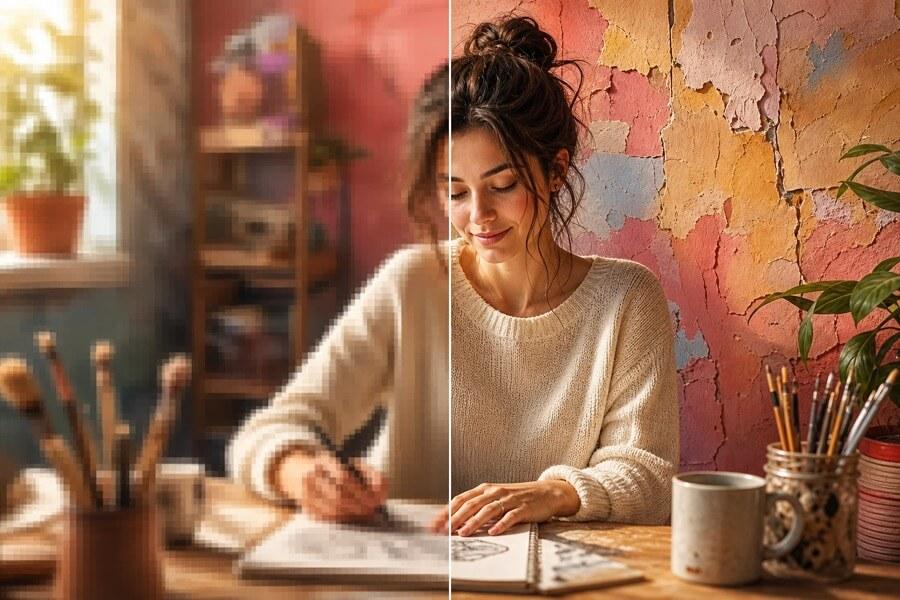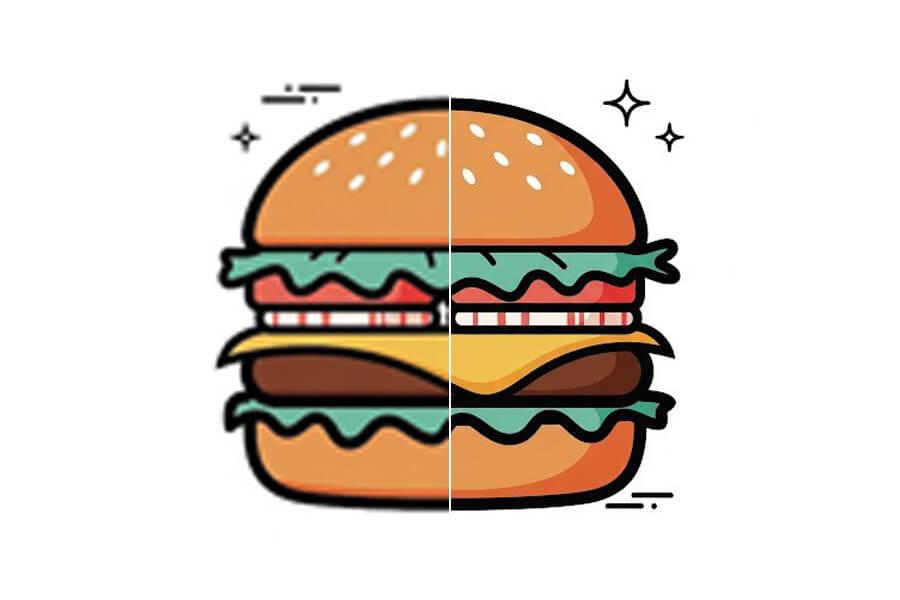

Upscale & Enhance Images with AI — Free, No Signup

Upload a JPG, PNG, or WebP — get a sharper, higher-resolution result in seconds. Works for product photos, portraits, scans, and web graphics. Free to start, no account needed.

Free to StartNo Signup RequiredNo Watermark

Upload Your Image

Drag and drop or click to browse. JPG, PNG, and WebP supported.

Scale

More Free AI Image Tools

Choose the next tool for your image goal: free 2x testing, 4K output, 8x upscaling, product photos, print files, or transparent backgrounds.

Why People Choose PicUpscaler for AI Upscaling

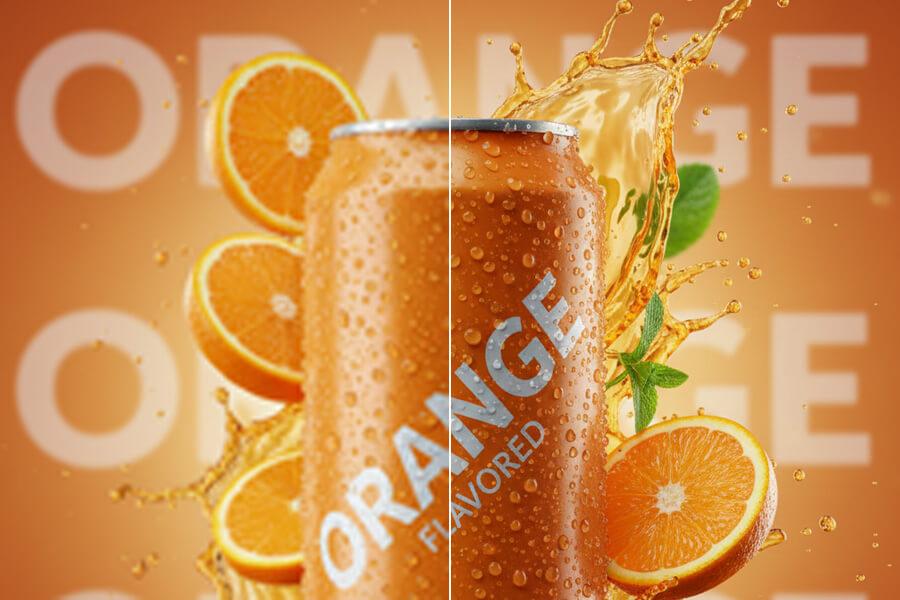
Turn small product photos into listing-ready images

Upscale product shots for ecommerce listings, ads, and store pages. PicUpscaler helps make edges, packaging, texture, and surface detail clearer when the original photo is usable but too small.

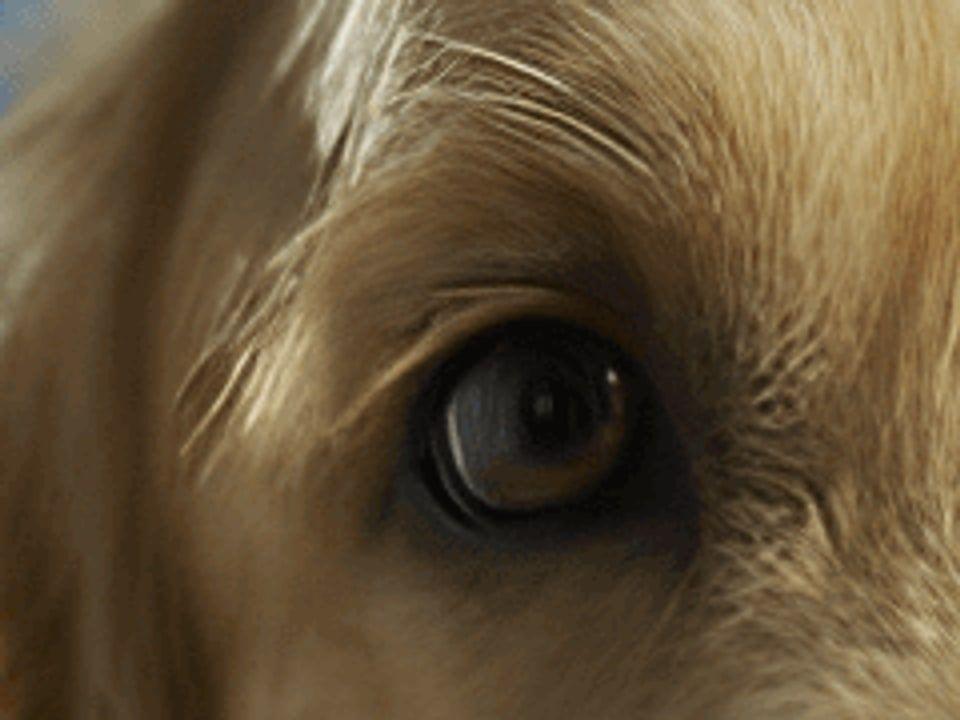
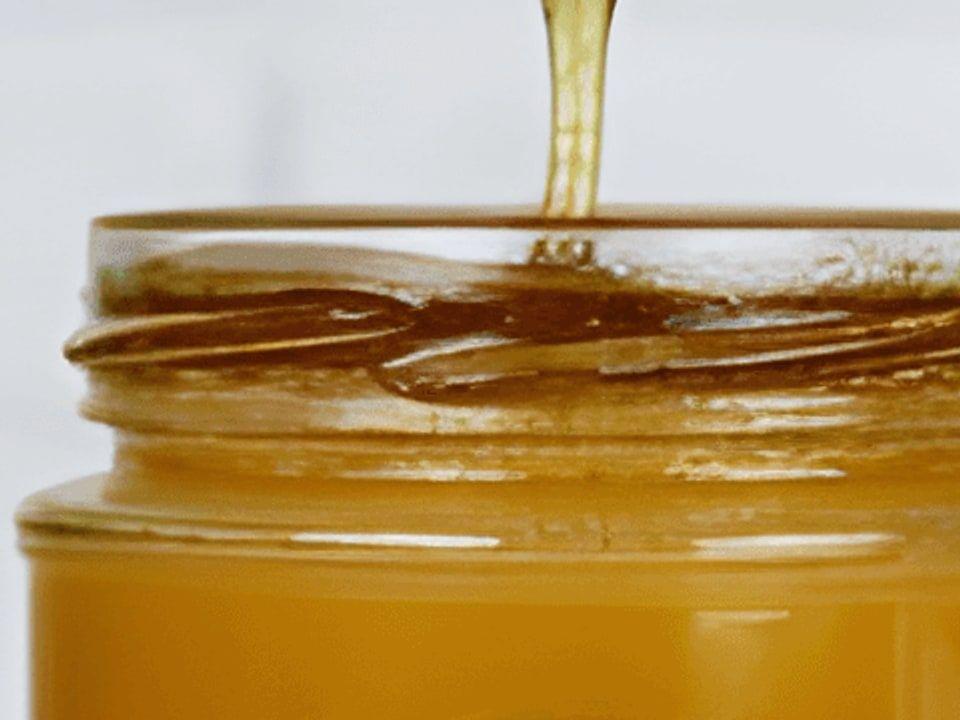
Before and after AI upscaling for a small ecommerce product photo

Prepare images for 4K screens and print layouts

Enlarge photos for posters, flyers, presentations, client work, and high-resolution screens. Start with the clearest source you have.

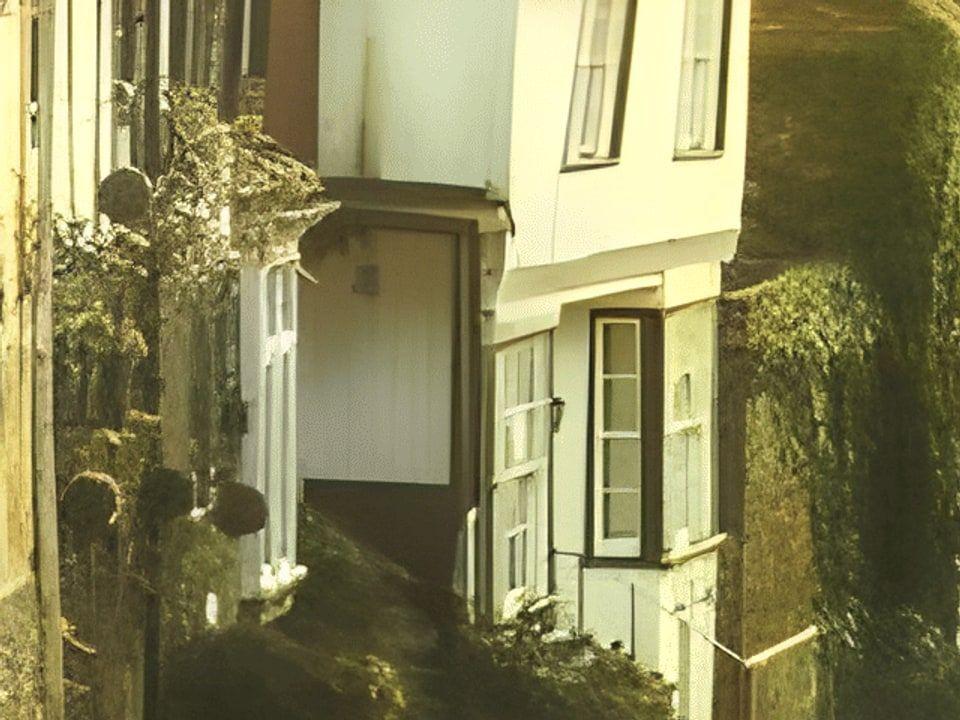
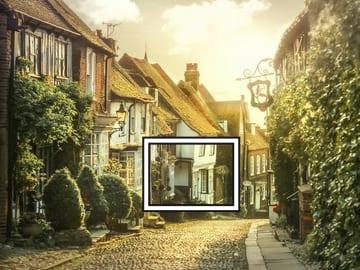
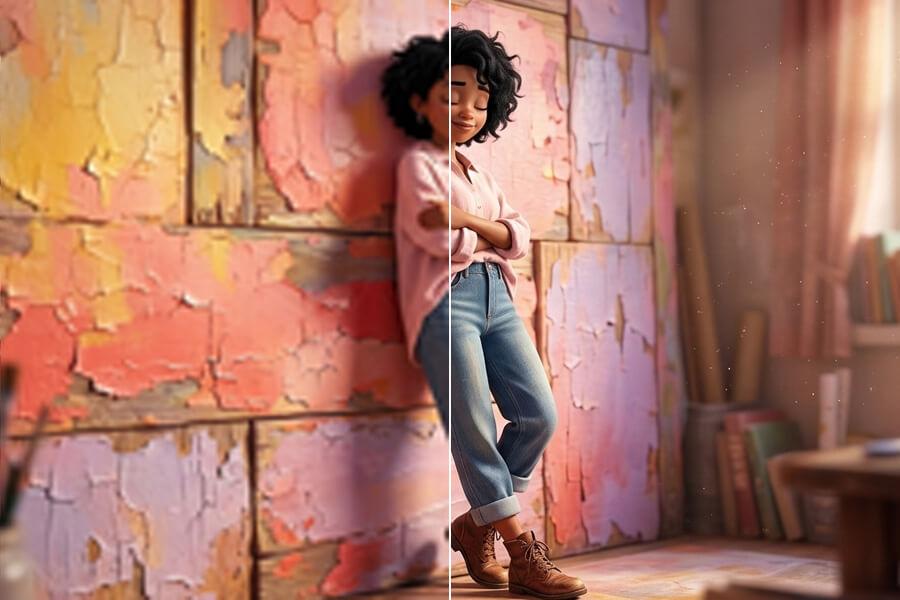
Before and after AI upscaling for a travel photo prepared for print

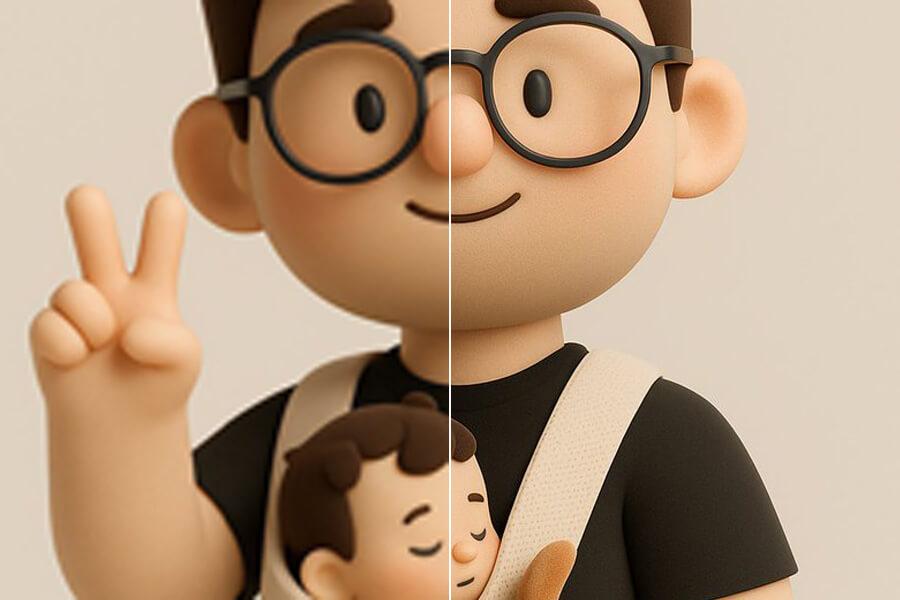
Test the result free, then upgrade when volume matters

Try 2x upscaling on your own image before creating an account. Upgrade when you need 4x, 8x, more monthly capacity, or regular image work for products, clients, photos, and content.

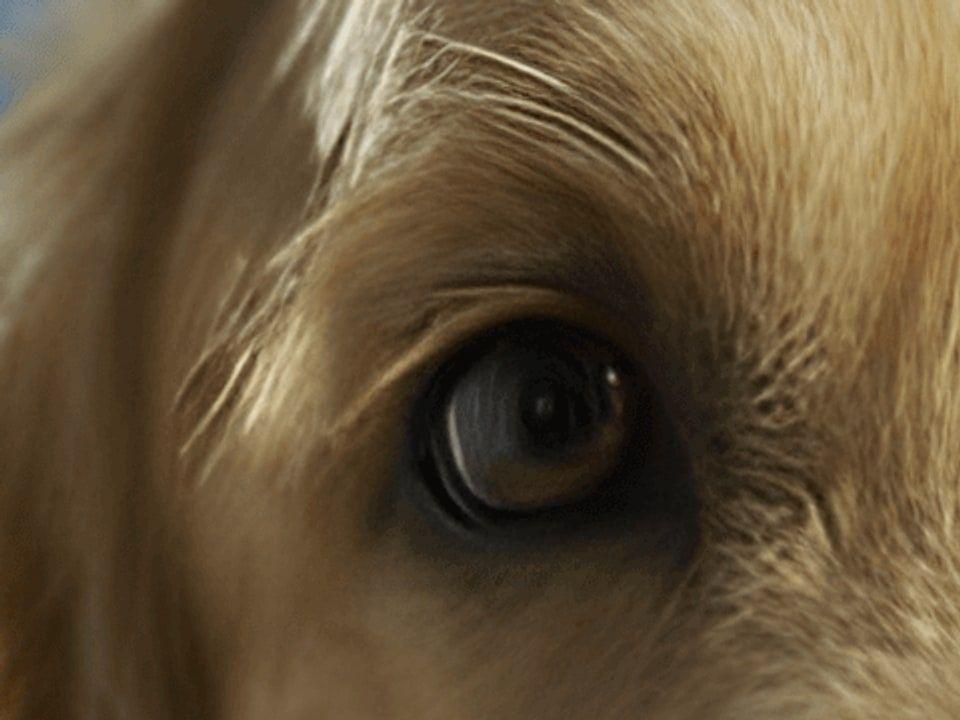
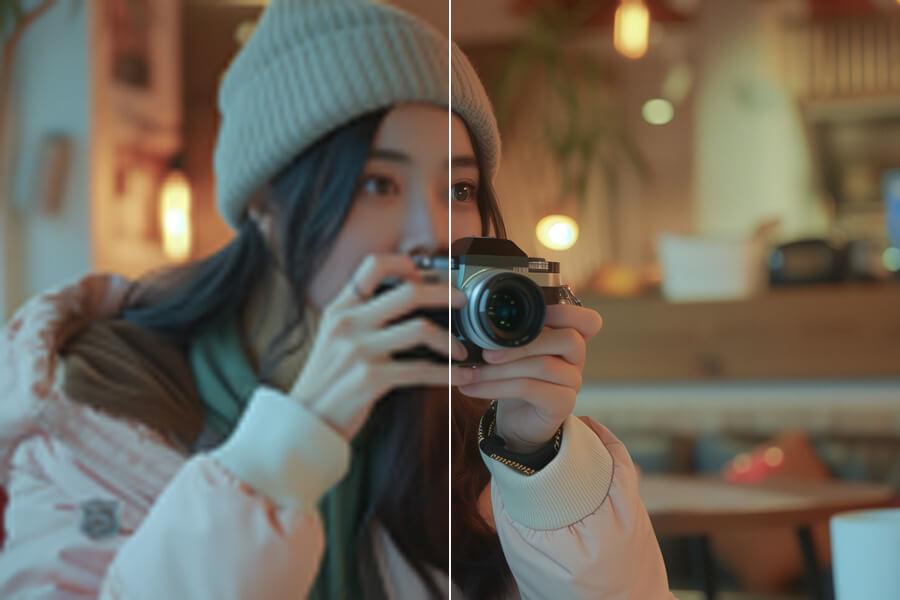
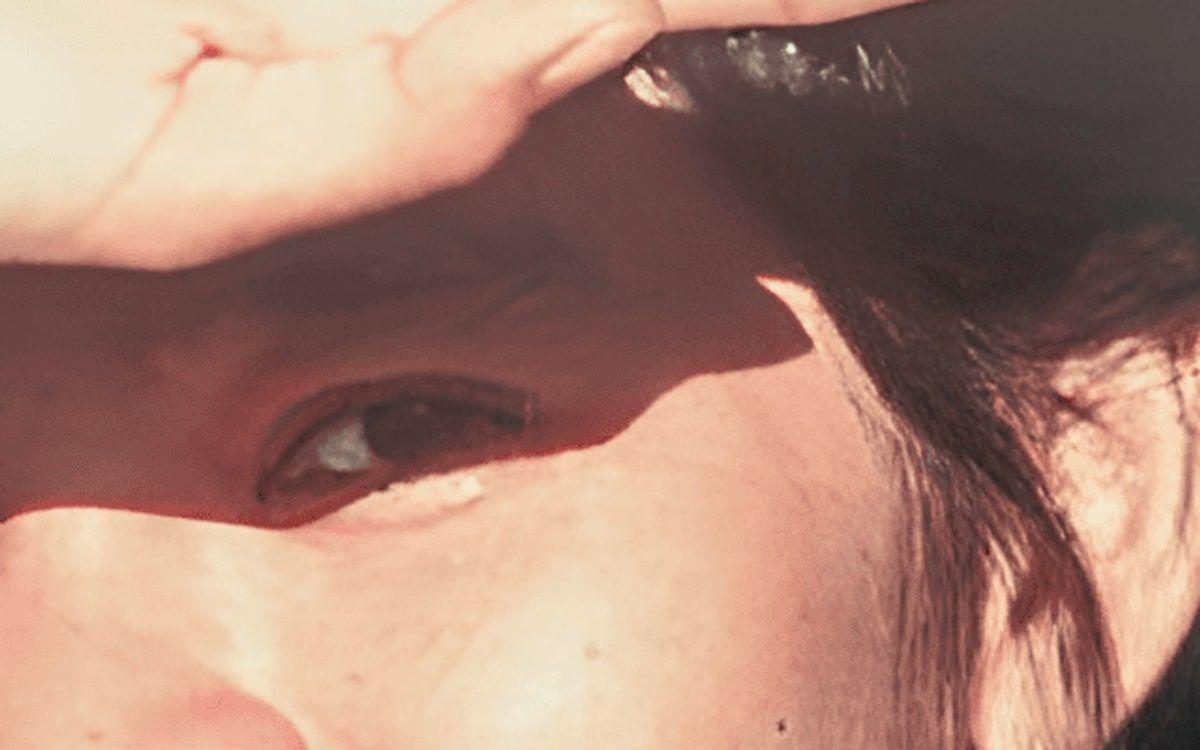
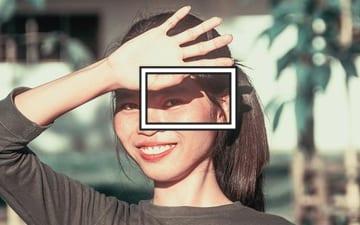
Before and after AI upscaling for a portrait photo tested before upgrade

How AI Image Upscaling Works

1

Select Your Image File

Select a JPG, PNG, or WebP from your device. No account required to get started.

2

AI Analyzes and Upscales

PicUpscaler's AI reconstructs detail and sharpens edges at your chosen scale. Most images finish in seconds.

3

Download Your Result

Preview the before/after, then download your upscaled image. No watermark on eligible results.

Frequently Asked Questions

Is PicUpscaler free to use?

Yes. You can start immediately without signup or payment. Free users get daily 2x upscaling with no watermark on results. Upgrade to a paid plan when you need Pro 2x/4x monthly capacity or Premium 8x output.

Do I need to create an account?

No account is needed to start. Upload your image and download the result right away. If you want higher volume, larger scale, or to remove the daily limit, you can sign up and upgrade to a paid plan.

What image formats does PicUpscaler support?

PicUpscaler supports JPG, PNG, and WebP. PNG transparency is preserved where applicable. Results are delivered in a supported output format.

How much can PicUpscaler enlarge an image?

PicUpscaler supports 2x, 4x, and 8x upscaling. Free users start with daily 2x processing. Pro is for recurring 2x/4x work, and Premium unlocks 8x output for maximum enlargement. If your target is a 4K display, use the 4K upscaler. For maximum scale on very small originals, use the 8x upscaler.

How long does upscaling take?

Most images finish in seconds. Processing time depends on file size, selected scale, and current system load. Larger files and higher scale settings can take a little longer.

Will my images be shared or stored?

No. Your images are processed securely and automatically deleted from our servers within 72 hours. We never share or use your images for any purpose other than providing the upscaling result.

Can I use upscaled images for commercial work?

Yes. You can use results for business, ecommerce, client, and social media work as long as you hold the rights to the original image. For product listing images specifically, see the product image upscaler.

Can PicUpscaler fix blurry or low-resolution photos?

PicUpscaler works best on images that are already clear but small — it reconstructs detail and sharpens edges at a larger size. Very blurry or heavily damaged photos may improve, but results depend on the source. No upscaler can recover detail that isn't present in the original.

Can I upscale old family photos with PicUpscaler?

Yes. PicUpscaler can sharpen and enlarge many old or low-resolution photos. Severe damage or missing detail may not fully recover. For dedicated restoration guidance, see the photo restoration page.

Can I upscale images for printing?

Yes. PicUpscaler is commonly used to prepare images for print — posters, canvases, and product materials. For print-specific guidance and recommended output sizes, see the upscale for printing page.

How does PicUpscaler compare to other AI upscalers?

PicUpscaler combines a clean upload workflow, no-signup free tier, 2x/4x/8x scale options, and no watermark on results. It is designed for practical everyday upscaling — product photos, portraits, scans, and web graphics — rather than heavy professional restoration workflows.