
AI Anime Image Upscaler
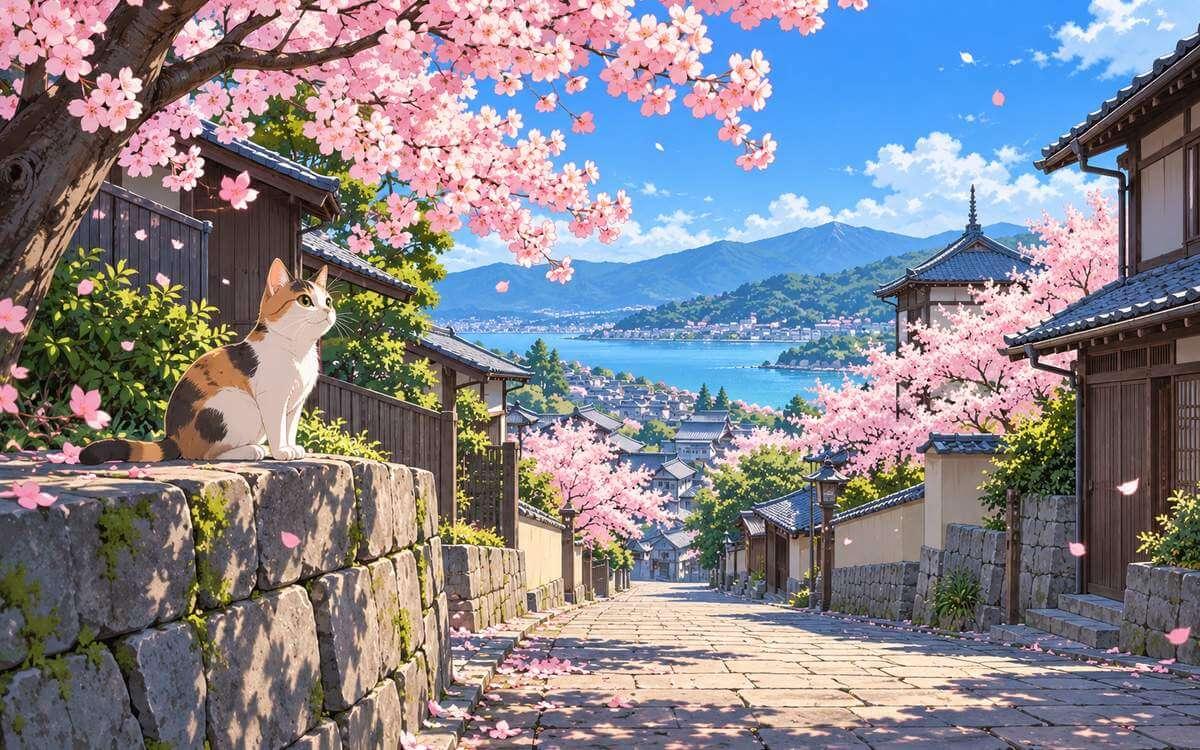
Upload an anime image, manga panel, or digital illustration, choose an available scale, then compare the result before downloading. Results depend on the original image.
- Upload Your Own Image
- Choose 2x, 4x, or 8x
- Compare Before Downloading
- Use Images You Have Rights To
Multiple Format Support
We support JPG/JPEG, PNG, and WebP files. The maximum file size for individual upscaler uploads is 5MB.
Privacy & Security
Uploaded images and results are automatically deleted from our servers after 72 hours. We never share your photos or use them to train AI models.
Commercial Use
You can use results for business, ecommerce, client, and social media work as long as you hold the rights to the original image.
How to Upscale Anime and Illustration Images
Upload an Image You Can Use
Choose an anime image, manga panel, screenshot, or digital illustration that you own or have permission to use.
Choose an Available Scale
Select 2x, 4x, or 8x based on the output size you need and the options available in the existing workflow.
Compare and Download
Review the before-and-after result on your own image, then download it when it suits your use case.
More AI Image Tools
Choose the next tool for your image goal: free 2x testing, 4K output, 8x upscaling, product photos, or print-ready 300 DPI.
Free Image Upscaler
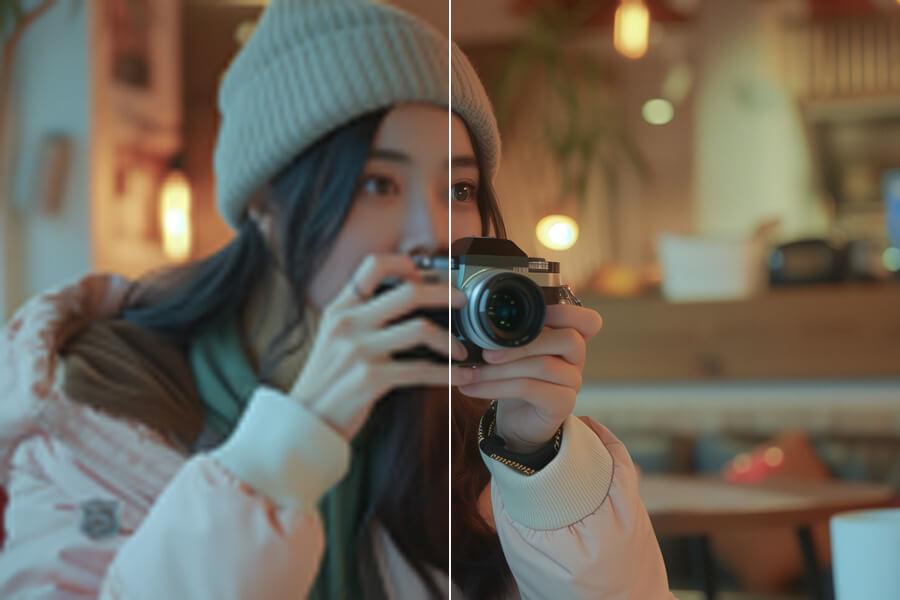
Use free 2x AI upscaling with no signup and no watermark.
Upscale Image to 4K
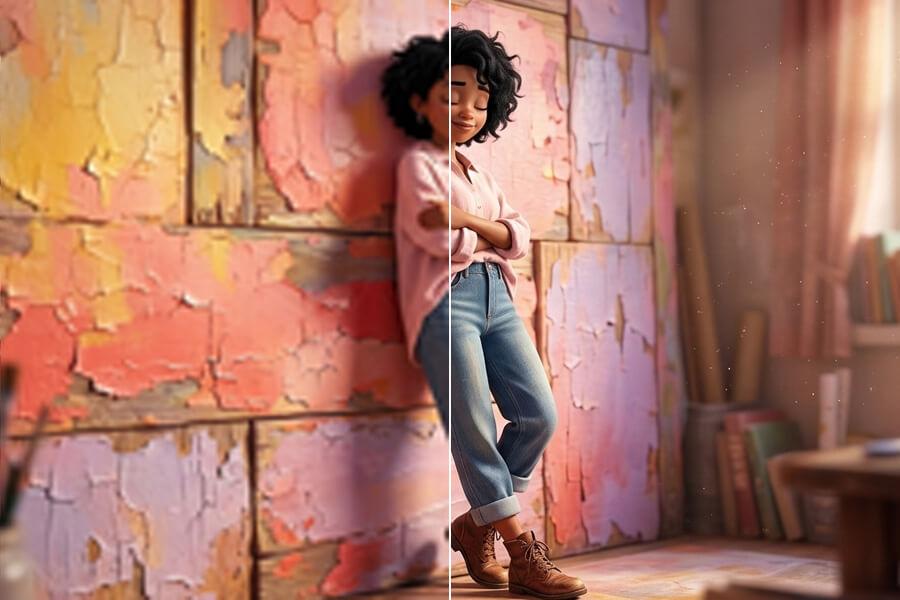
Use the 4K image upscaler for screens, prints, and product photos.
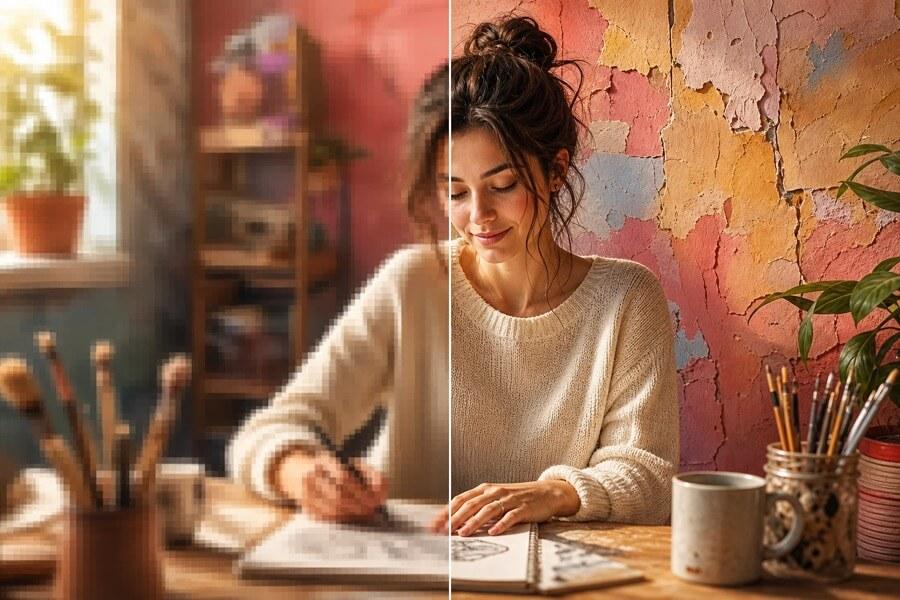
8x Image Upscaler
Upscale images 8x when small originals need maximum output.
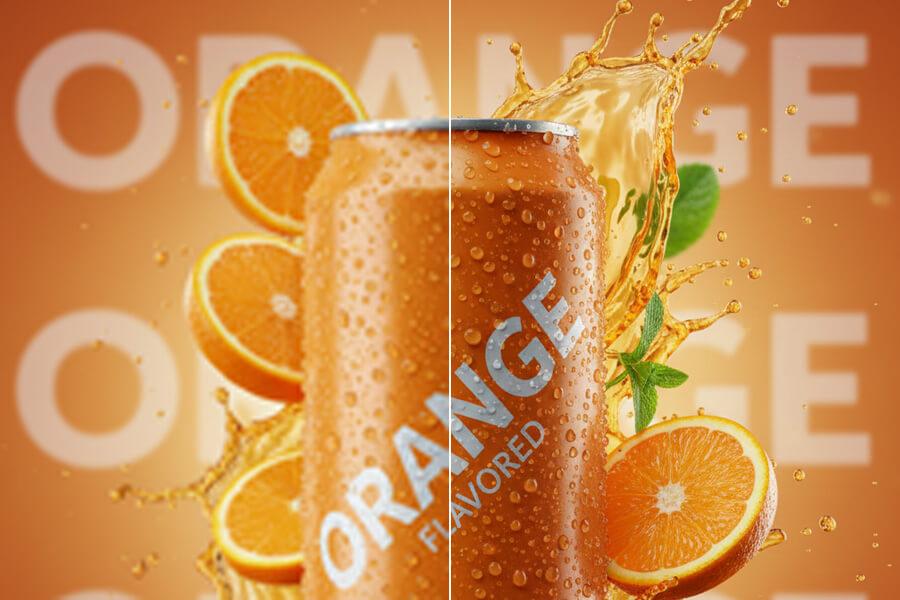
Upscale Product Photos
Upscale ecommerce product photos for listings, ads, and store pages.
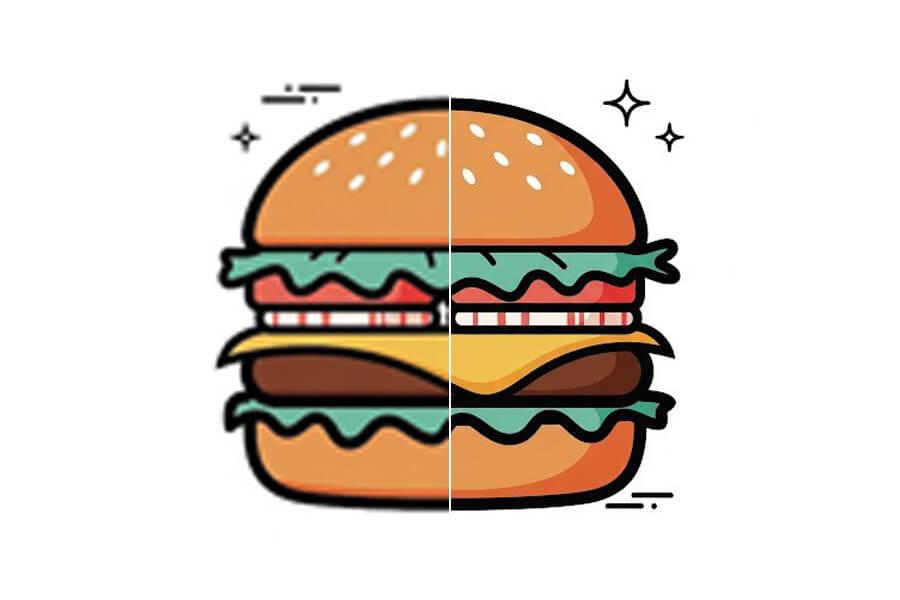
Upscale Image for Printing
Create larger images for photos, posters, flyers, and print layouts.
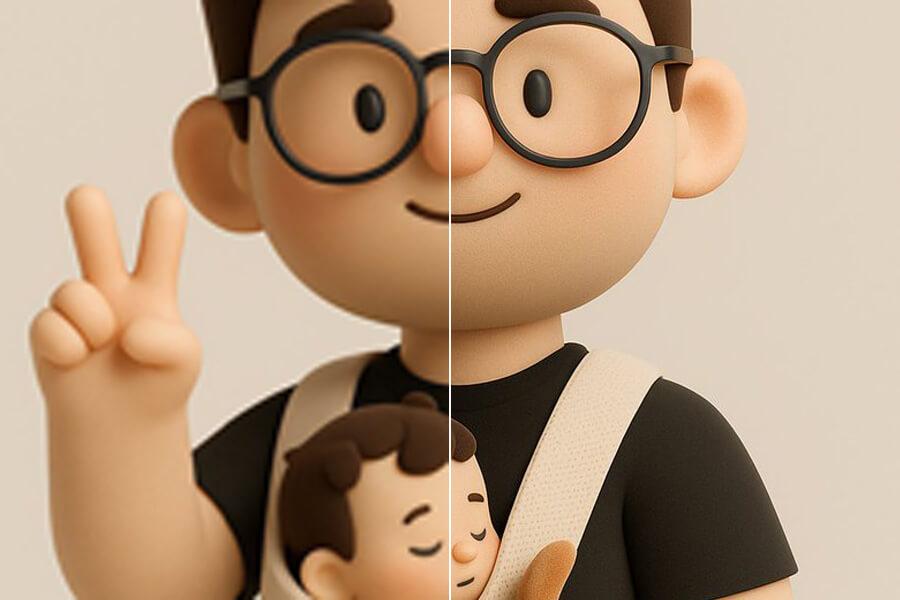
Upscale Image to 300 DPI
See the pixels a 300 DPI print needs and upscale to reach them.
Simple pricing, no surprises
Start free to try PicUpscaler on your own images. Upgrade to Pro when you need 4x upscaling and no daily limit, or choose Premium for 8x output and higher monthly volume.
Free plan
$0/month
3 free 2x upscales/day
For occasional 2x upscaling and trying PicUpscaler.
Secure checkout by Stripe
AI Anime Image Upscaler FAQ
Is this a dedicated Anime upscaling model?
No. This page uses PicUpscaler's standard image-upscaling workflow, not a dedicated Anime model. Results depend on the image you upload.
Can I upscale anime images and digital illustrations?
You can upload anime images, manga panels, screenshots, and digital illustrations that you have the right to use, choose an available scale, and compare the result before downloading.
Will upscaling preserve the exact art style or character details?
No exact style or character consistency is guaranteed. Upscaling is not lossless, and the result depends on the resolution, compression, linework, and detail in the original image. Review your own result before using it.
Which scale should I choose?
Start with the smallest scale that fits your needed output. Choose 2x for a modest size increase, 4x when you need more working resolution, or 8x only when a small original needs a much larger output and the result still looks suitable.
Is there a free Anime upscaling allowance?
This page does not make a separate free-usage promise. Availability and limits follow the existing PicUpscaler workflow shown when you upload your image.
Can I use any anime image I find online?
No. Only upload images that you own or have permission to use. You are responsible for confirming the rights for the source image and the intended use of the result.
When should I use the general image upscaler or AI image enhancer?
Use the general image upscaler for broad image-enlargement needs. Use the AI image enhancer when your main goal is improving a blurry, noisy, or low-quality photo.