
Upscale Image to 300 DPI
300 DPI depends on pixel count, not the DPI number stored in the file. Changing 72 to 300 in the metadata adds no detail — a sharp 300 DPI print needs enough real pixels, such as 2480x3508 px for A4. Upload your image, check how many pixels you have, and use AI upscaling to add the pixels your print size needs.
Upload Your Image
Drag and drop or click to browse. JPG, PNG, and WebP supported.
Print Size Calculator
Pick a print size and DPI to see how many pixels you need and which upscale scale gets you there. Upload an image above to fill in its size, or type it in.
Pixels needed: 2480×3508 px at 300 DPI
Pixels needed for common print sizes
| Print size | 300 DPI | 150 DPI |
|---|---|---|
| A4 (210 × 297 mm) | 2480×3508 px | 1240×1754 px |
| A3 (297 × 420 mm) | 3508×4961 px | 1754×2480 px |
| US Letter (8.5 × 11 in) | 2550×3300 px | 1275×1650 px |
| 4 × 6 in photo | 1200×1800 px | 600×900 px |
| 8 × 10 in photo | 2400×3000 px | 1200×1500 px |
More Free AI Image Tools
Choose the next tool for your image goal: free 2x testing, 4K output, 8x upscaling, product photos, print files, or transparent backgrounds.
What 300 DPI Really Means for Your Image
DPI Is Pixels per Inch of Paper
DPI (or PPI) tells a printer how many image pixels to place in each inch of paper. At 300 DPI, every inch uses 300 pixels, so the pixels you need are simply print inches × 300. An 8x10 inch print needs 2400x3000 px, US Letter needs 2550x3300 px, and A4 needs 2480x3508 px. The DPI tag stored in a JPG or PNG does not change any of these numbers.
Why Changing 72 DPI to 300 DPI Does Nothing
Many image editors let you type 300 into a DPI field. If resampling is off, the pixel count stays the same and the image just prints smaller. If resampling is on, basic resizing stretches the existing pixels and the print looks soft. AI upscaling instead creates a larger image with rebuilt detail, so the extra pixels are useful when the file is printed at 300 DPI.
Pick 2x, 4x, or 8x from Your Pixel Gap
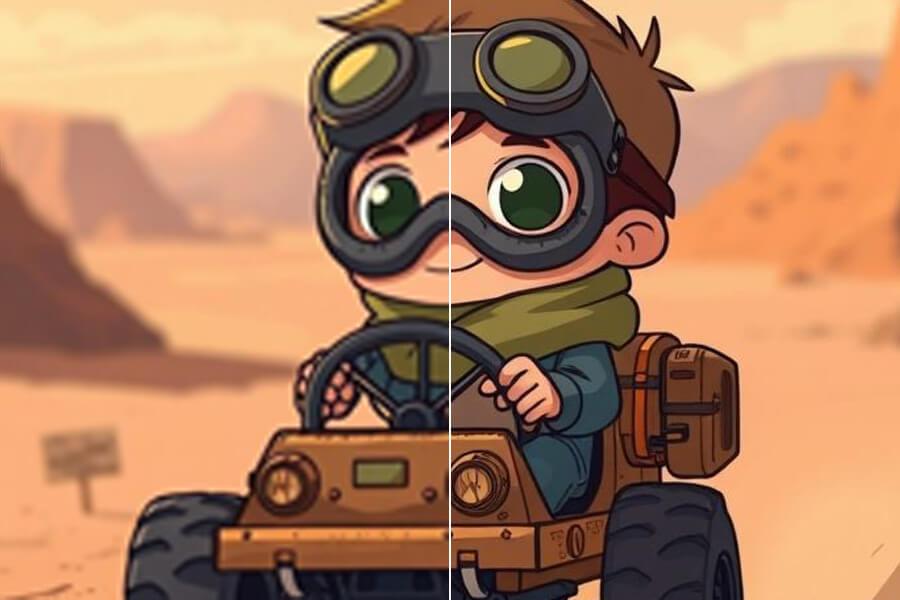
Divide the pixels you need by the pixels you have, then round up to the next available scale. A 1240x1754 px image reaches A4 at 300 DPI with 2x. A 620x877 px image needs 4x. A 310x439 px image needs 8x. 2x is free each day with no watermark, 4x is included with Pro, and 8x is included with Premium. The calculator above does this math for you.
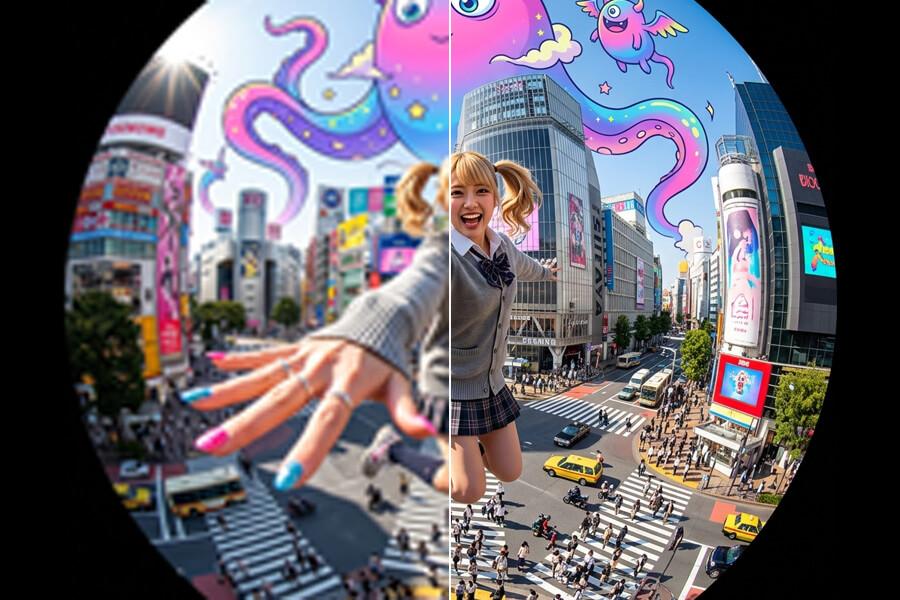
How to Upscale an Image to 300 DPI
Upload and Check Your Pixels
Upload a JPG, PNG, or WebP image up to 5MB. The print size calculator reads its width and height and shows the pixels your print size needs at 300 DPI.
Upscale by the Suggested Scale
Use the scale the calculator suggests. Start with free 2x to check quality. Choose 4x (Pro) or 8x (Premium) when the pixel gap is larger.
Set 300 DPI When You Export
Download the larger image without a watermark. Set the DPI to 300 in your layout or export tool, or at the print shop. With enough pixels, the image fills the print size at 300 DPI.
Upscale Image to 300 DPI — Common Questions
Will changing 72 DPI to 300 DPI make my image sharper?
No. Changing the DPI number only edits metadata and does not add any pixels. A 1000x800 px image has the same detail at 72 DPI and at 300 DPI; at 300 DPI it simply prints smaller (about 3.3x2.7 in). To print larger at 300 DPI, you need more pixels, which is what AI upscaling creates.
How much do I need to upscale my image for A4 at 300 DPI?
A4 at 300 DPI needs 2480x3508 px. Divide those numbers by your image size and round up to 2x, 4x, or 8x. For example, a 1240x1754 px image needs 2x, a 620x877 px image needs 4x, and a 1024x768 px landscape photo needs 4x (4096x3072 px covers a landscape A4 at 3508x2480 px). The print size calculator on this page does the math for your image.
Does PicUpscaler save the file as 300 DPI?
Not at the moment. PicUpscaler does not write a DPI value into the downloaded file. It gives you more pixels. Set the DPI to 300 when you place or export the image in your layout tool, or ask your print shop to print it at 300 DPI. With enough pixels, the result is a true 300 DPI print.
How many pixels is 300 DPI for common print sizes?
Multiply the print size in inches by 300. A 4x6 in photo needs 1200x1800 px, an 8x10 in print needs 2400x3000 px, US Letter needs 2550x3300 px, A4 needs 2480x3508 px, and A3 needs 3508x4961 px. At 150 DPI, often fine for posters viewed from a distance, each number is halved.
Is 300 DPI always required for printing?
No. 300 DPI is the usual target for photos, flyers, and prints viewed up close. Large posters and banners viewed from a few feet away often look fine at 150 DPI, which needs half the pixels on each side. Check what your print shop recommends for the size you are ordering.
Is upscaling an image to 300 DPI free?
You can upscale 2x for free each day with no watermark, which is often enough for small prints. 4x upscaling is included with Pro, and 8x upscaling is included with Premium for small originals that need many more pixels. See pricing for plan limits. For print sizes such as A4, A3, posters, and canvas, see upscale image for printing, or use the 8x image upscaler and 4K upscaler for bigger outputs.