
8K Image Upscaler
Upload an image, select 8K, and upscale it with AI. For 16:9 files, 8K is 7680×4320 pixels — about 33 million pixels.
- 7680×4320 at 16:9
- Up to 64 million pixels
- Uploads up to 5MB
See sample results
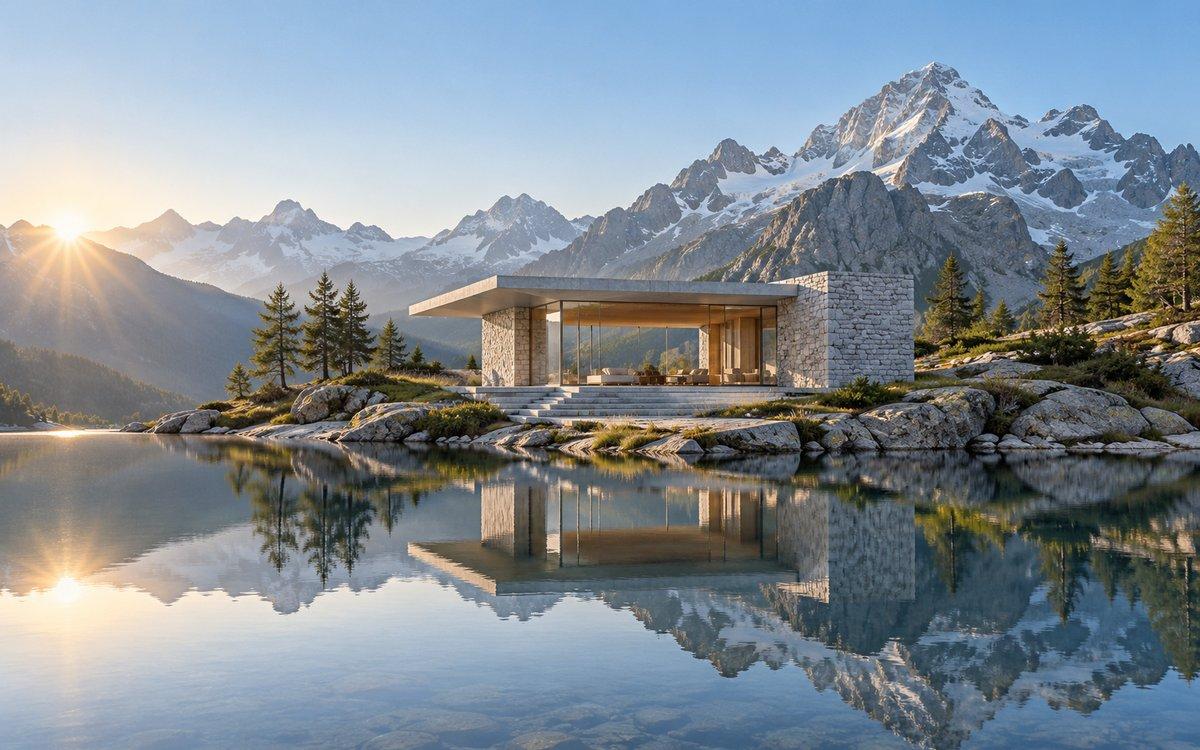
The required plan depends on image size.
How Many Times Do You Need to Upscale to 8K?
For 16:9 images, choose a scale based on the original width. Don't want a subscription? You can buy a one-time upscaling pack.
| 1,024 px original width | 8x to 8K — Premium |
|---|---|
| 1,920 px original width | 4x to 8K — Pro |
| 3,840 px original width | 2x to 8K — Free |
| Small originals | Below 600 px wide, an 8K output may still have limited detail. |
| File and output limits | Uploads can be up to 5MB. Output is limited to 64 million pixels. |
Where to Use 8K Upscaling
Common uses include wallpapers for 8K TVs and monitors, large-format print layouts, 3D renders and game screenshots, and video-editing assets.
Multiple Format Support
We support JPG/JPEG, PNG, and WebP files. The maximum file size for individual upscaler uploads is 5MB.
Privacy & Security
Uploaded images and results are automatically deleted from our servers after 72 hours. We never share your photos or use them to train AI models.
Commercial Use
You can use results for business, ecommerce, client, and social media work as long as you hold the rights to the original image.
How to Upscale an Image to 8K
Upload Your Image
Choose a supported image up to 5MB. A clear, larger original gives the tool more detail to work with.
Choose the 8K Target
Resolution mode opens with 8K selected. The required scale depends on the original image size: 2x is Free, 4x is Pro, and 8x is Premium.
Preview and Download
Review the result and download it without a watermark. Processing time varies with file size, selected scale, and system load.
More AI Image Tools
Choose the next tool for your image goal: free 2x testing, 4K output, 8x upscaling, product photos, or print-ready 300 DPI.
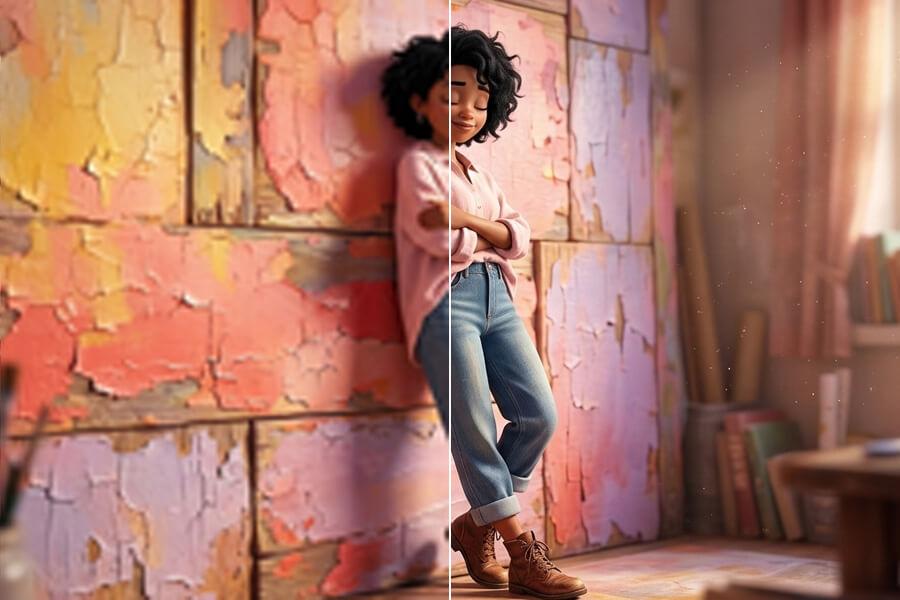

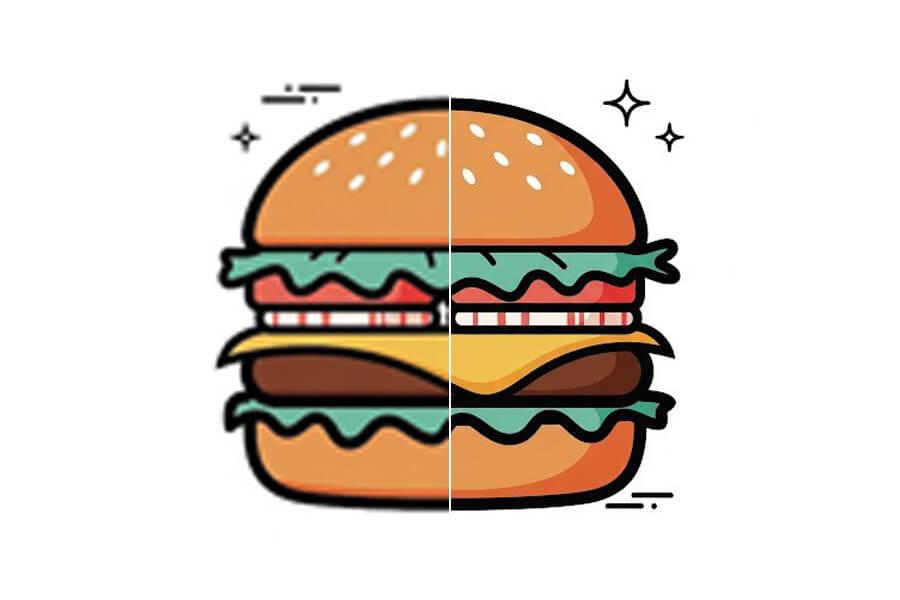
Simple pricing, no surprises
Start free to try PicUpscaler on your own images. Upgrade to Pro when you need 4x upscaling and no daily limit, or choose Premium for 8x output and higher monthly volume.
Free plan
$0/month
3 free 2x upscales/day
For occasional 2x upscaling and trying PicUpscaler.
Secure checkout by Stripe
8K Image Upscaling — Common Questions
What resolution is 8K?
8K UHD is 7680×4320 pixels at a 16:9 aspect ratio, or about 33 million pixels. Other aspect ratios keep their shape while targeting an 8K long side.
Can I upscale an image to 8K for free?
2x upscaling is Free, 4x is included with Pro, and 8x is included with Premium. A one-time upscaling pack is available if you prefer not to subscribe. See plans and pricing.
What is the difference between an 8K target and 8x upscaling?
8K is a target image size; 8x is a scale factor. An image can reach an 8K target with 2x, 4x, or 8x depending on its original dimensions. An 8x result is eight times the source dimensions and may not be exactly 8K.
Can I upscale an image to 16K?
No. This page targets up to 8K. A 16K 16:9 image is about 133 million pixels, above the 64 million pixel output limit.
Which image formats are supported?
The tool accepts JPG, JPEG, PNG, and WebP. JPEG uploads return JPEG files; PNG and WebP uploads return PNG files.
How long does 8K image processing take?
Processing time varies with file size, selected scale, image complexity, and current system load. Larger outputs can take longer.