
Print Size Calculator
Enter image pixels to see print dimensions at 300 or 150 DPI, or choose a print size to see the pixels it needs. Upscale if your image falls short.
Pixels needed: 2480×3508 px at 300 DPI
Pixels needed for common print sizes
| Print size | 300 DPI | 150 DPI |
|---|---|---|
| 4 × 6 in | 1200×1800 px | 600×900 px |
| 5 × 7 in | 1500×2100 px | 750×1050 px |
| 8 × 10 in | 2400×3000 px | 1200×1500 px |
| 11 × 14 in | 3300×4200 px | 1650×2100 px |
| 12 × 18 in | 3600×5400 px | 1800×2700 px |
| 16 × 20 in | 4800×6000 px | 2400×3000 px |
| 18 × 24 in | 5400×7200 px | 2700×3600 px |
| 24 × 36 in | 7200×10800 px | 3600×5400 px |
| A5 (148 × 210 mm) | 1748×2480 px | 874×1240 px |
| A4 (210 × 297 mm) | 2480×3508 px | 1240×1754 px |
| A3 (297 × 420 mm) | 3508×4961 px | 1754×2480 px |
| US Letter (8.5 × 11 in) | 2550×3300 px | 1275×1650 px |
See sample results
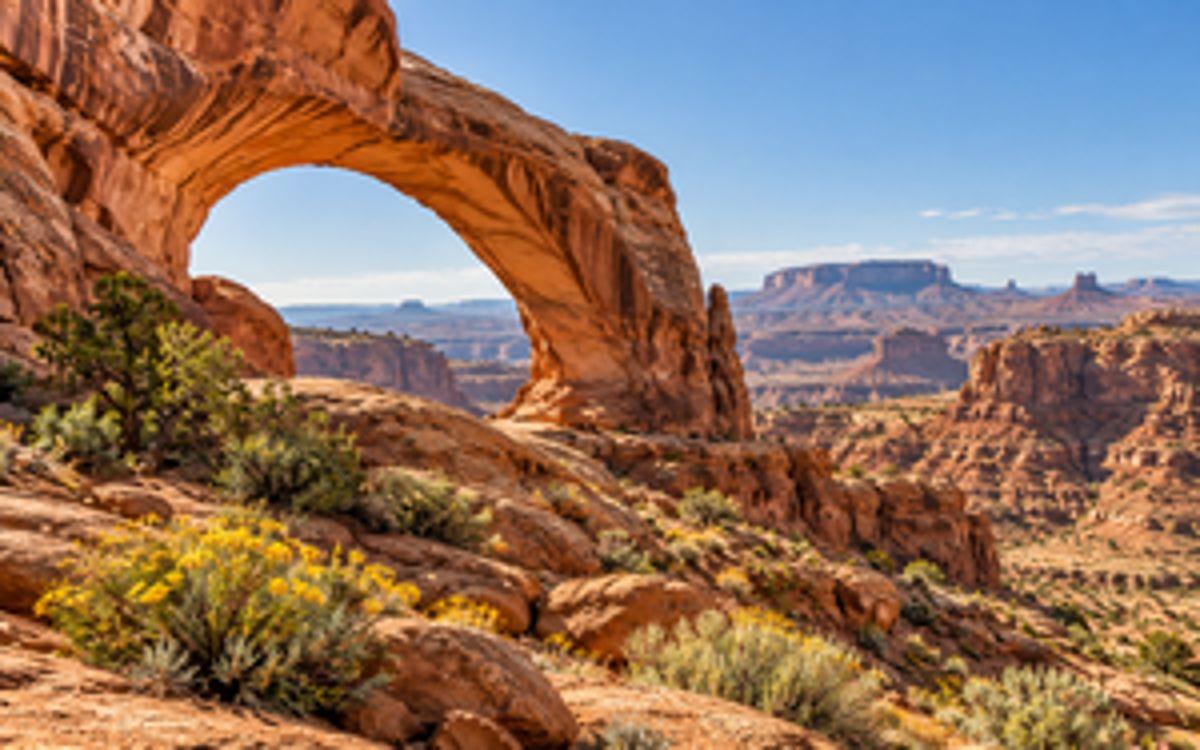
Not enough pixels for your print?
Upscaling adds image pixels for a larger print: 2x is free each day, 4x is included with Pro, and 8x is included with Premium.
Multiple Format Support
We support JPG/JPEG, PNG, and WebP files. The maximum file size for individual upscaler uploads is 5MB.
Privacy & Security
Uploaded images and results are automatically deleted from our servers after 72 hours. We never share your photos or use them to train AI models.
Commercial Use
You can use results for business, ecommerce, client, and social media work as long as you hold the rights to the original image.
How to Calculate Print Size
Pixels ÷ DPI = Inches
Divide each pixel dimension by the print resolution to get the matching paper dimension in inches.
At 300 DPI
A 3000 × 2000 px photo prints about 10 × 6.7 inches at 300 DPI.
At 150 DPI
The same 3000 × 2000 px photo prints about 20 × 13.3 inches at 150 DPI, often suitable for posters viewed from farther away.
More AI Image Tools
Choose the next tool for your image goal: free 2x testing, 4K output, 8x upscaling, product photos, or print-ready 300 DPI.
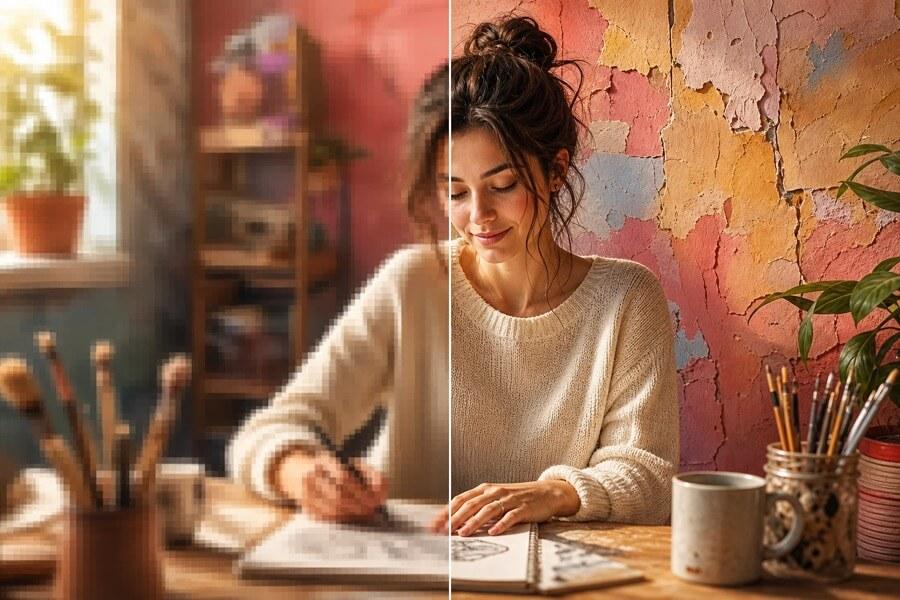
Simple pricing, no surprises
Start free to try PicUpscaler on your own images. Upgrade to Pro when you need 4x upscaling and no daily limit, or choose Premium for 8x output and higher monthly volume.
Free plan
$0/month
3 free 2x upscales/day
For occasional 2x upscaling and trying PicUpscaler.
Secure checkout by Stripe
Print Size Calculator — Common Questions
How do I calculate print size from pixels?
Divide the image width and height in pixels by the print DPI. For example, 3000 × 2000 px at 300 DPI prints about 10 × 6.7 inches.
How large can I print a 3000 × 2000 pixel photo?
At 300 DPI it prints about 10 × 6.7 inches; at 150 DPI it prints about 20 × 13.3 inches. The lower resolution is often suitable for a poster viewed from farther away.
How many pixels does an 8 × 10 inch print need at 300 DPI?
It needs 2400 × 3000 pixels: 8 × 300 for one side and 10 × 300 for the other.
Can I print a poster at 150 DPI?
Often, yes. A poster viewed from a few feet away can look good at 150 DPI, which needs half as many pixels on each side as 300 DPI. Check your print shop’s recommended resolution for the size and viewing distance.
Will changing the DPI number make my photo sharper?
No. Changing DPI metadata does not add pixels or detail. Learn what 300 DPI means and how to prepare enough pixels on our 300 DPI guide.
What can I do if my image does not have enough pixels?
Use AI upscaling to add pixels. PicUpscaler includes 2x upscaling free each day, 4x with Pro, and 8x with Premium. See plans and pricing.